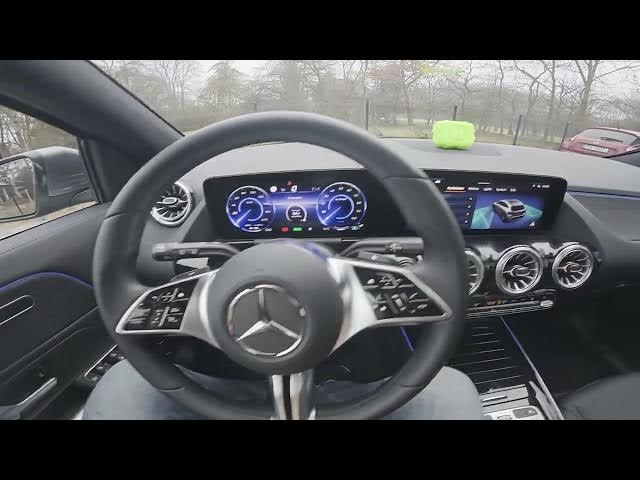

MERCEDES-BENZ EQA – How to Manage Parking Warning Tones
Jan 2, 2026

In this short video you will learn how to manage Parking Warning Tones on the MERCEDES-BENZ EQA. I show where to find the setting on the screen display and how to adjust both the volume and the pitch so your parking sensors are loud enough to be safe but not annoying. This walkthrough uses the main menu: Settings → Assistance and Parking → Set Warning Tones. These tweaks help if you want quieter alerts in town or stronger warnings in busy environments. If this was helpful, please like, comment and subscribe for more EQA tips and car settings.
How to manage parking warning tones on MERCEDES-BENZ EQA?
How to change parking sensor volume on MERCEDES-BENZ EQA?
Where is Set Warning Tones in MERCEDES-BENZ EQA settings?
0:00 Intro — What we’ll adjust and why
0:09 Open the screen display and go to Settings
0:21 Choose Assistance and Parking, then Set Warning Tones
0:28 Adjust Volume and Pitch to your preference
0:37 Outro — Like, Comment & Subscribe for more car tips
#MercedesBenz #EQA #ParkingWarnings #CarHowTo
Find out more:
https://www.hardreset.info/devices/mercedes-benz/mercedes-benz-eqa/how-to-manage-parking-warning-tones/
Follow us on Instagram ► https://www.instagram.com/hardreset.info
Like us on Facebook ► https://www.facebook.com/hardresetinfo/
Tweet us on Twitter ► https://twitter.com/HardResetI
Show More Show Less