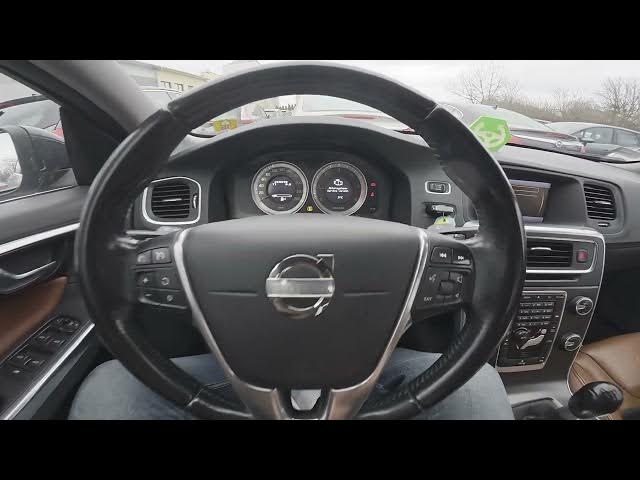

Volvo S60 II (2010-2019) – How to Enable Door Lock Confirmation Light
Jan 6, 2026

This short video shows how to enable the Door Lock Confirmation Light on a Volvo S60 II (2010-2019). Using the center display you will open My Car and Settings, then go to Car Settings → Light Settings. Press the OK button on Door Lock Confirmation Light to turn the confirmation flash on or off when you lock the car. Clear, fast steps to get visual confirmation from your Volvo S60 when locking the doors.
How to enable Door Lock Confirmation Light on Volvo S60 II (2010 - 2019)?
How to find Door Lock Confirmation Light setting in Volvo S60 II (2010 - 2019)?
How to disable Door Lock Confirmation Light on Volvo S60 II (2010 - 2019)?
0:00 Intro and overview
0:06 Check the center display and open My Car
0:19 Go to Car Settings → Light Settings
0:27 Press OK on Door Lock Confirmation Light to enable/disable
0:28 Outro — like, comment and subscribe
#VolvoS60 #VolvoS60II #DoorLockLight #CarSettings
Find out more:
https://www.hardreset.info/devices/volvo/volvo-s60-ii-2010-2019/
Follow us on Instagram ► https://www.instagram.com/hardreset.info
Like us on Facebook ► https://www.facebook.com/hardresetinfo/
Tweet us on Twitter ► https://twitter.com/HardResetI
Show More Show Less