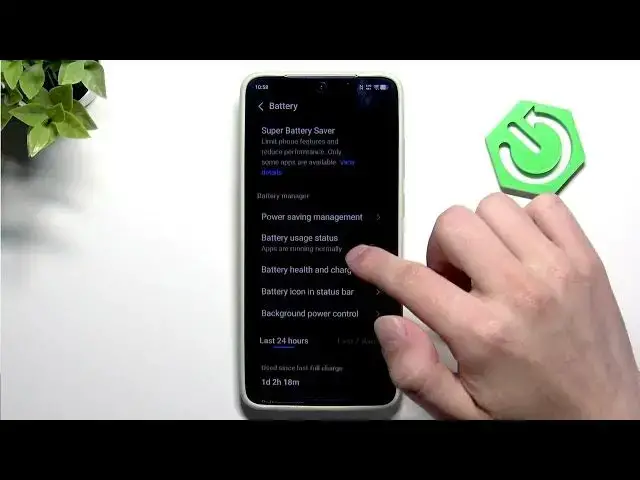

VIVO X300 Ultra – Fix Fast Battery Drain & Improve Battery Life
Jun 17, 2026

In this video you'll learn simple, effective steps to fix fast battery drain and improve battery life on the VIVO X300 Ultra. We walk through the battery settings, explain battery modes (Balance, Battery Saver, Super Battery Saver), show power saving management options, and how to set charging limits and optimize charging. You’ll also learn display tips like enabling Dark Mode, using auto-brightness, lowering brightness, and shortening auto-lock to save battery.
How to fix fast battery drain on VIVO X300 Ultra?
How to improve battery life on VIVO X300 Ultra?
How to set charging limit and enable battery saver on VIVO X300 Ultra?
0:00 Intro
0:07 Open Settings and go to Battery
0:21 Change Battery Mode (Balance → Battery Saver)
0:25 Use Super Battery Saver – what it does
0:36 Enable Power Saving Management options
0:44 Battery Health & Charging – set charging limit (90%/80%) and enable optimized charging
1:03 Display tips: Dark Mode, auto-brightness, lower brightness, set Auto Lock ~1 min
1:18 Disable unused quick settings (Wi‑Fi, Bluetooth) and wrap up
#VIVO #VIVOX300Ultra #BatteryLife #BatterySaver
Find out more:
https://www.hardreset.info/devices/vivo/vivo-x300-ultra/
Show More Show Less #Science