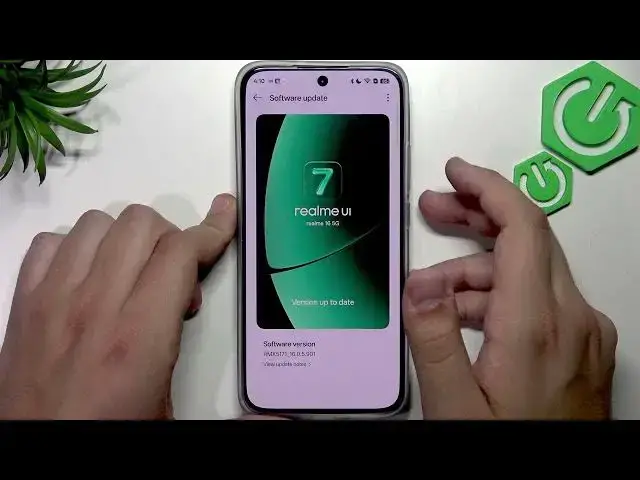

REALME 16 5G – How to Fix Touchscreen Not Responding
Jul 1, 2026

In this quick video we show simple, effective steps to fix the touchscreen if your REALME 16 5G is not responding. You will learn to remove a misaligned or lifting screen protector, properly restart the phone using the power and volume buttons, check for and install software updates in Settings → System and update, and clear the cache with Phone Manager. These easy checks resolve most unresponsive screen problems without needing a factory reset and are safe for everyday users.
How to fix screen touch not responding on REALME 16 5G?
How to restart REALME 16 5G when the touchscreen is unresponsive?
How to update software on REALME 16 5G to fix touchscreen issues?
0:00 Intro — What this video covers
0:12 Remove screen protector (why it can cause issues)
0:44 Restart the phone (press Power + Volume Up then swipe to restart)
0:59 Open Settings after restart
1:13 Check Software Update (Settings → System and update → Software update)
1:30 Phone Manager — Clean cache and storage
1:49 Final tips & Wrap up
#Realme16 #Realme165G #TouchscreenFix #ScreenNotResponding
Find out more:
https://www.hardreset.info/devices/realme/realme-16-5g/
Follow us on Instagram ► https://www.instagram.com/hardreset.info
Show More Show Less #Science