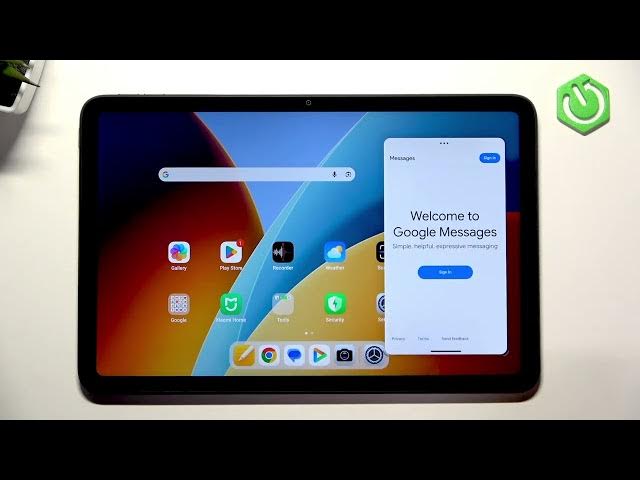

REDMI Pad 2 4G – How to Use Split Screen
Jun 9, 2026

In this short video we show how to enable and use split screen on the REDMI Pad 2 4G so you can run two apps side by side. We open Settings, go to Features for tablets and Floating windows, then demonstrate how to long‑press an app, choose Split screen and pick the second app. This quick walkthrough helps you use multitasking, watch video while browsing, or work and chat at the same time on your REDMI Pad 2 4G.
How to enable split screen on REDMI Pad 2 4G?
How to use split screen and floating windows on REDMI Pad 2 4G?
Where is the split screen setting on REDMI Pad 2 4G?
0:00 Intro — What we will show
0:05 Open Settings on REDMI Pad 2 4G
0:05 Features for tablets & Floating windows
0:19 Long-press app and select Split screen
0:28 Open the second app to use split screen
0:34 Outro — Tips and subscribe
#REDMIPad2 #SplitScreen #Multitasking #AndroidTablets
Find out more:
https://www.hardreset.info/devices/redmi/redmi-pad-2-4g/
Follow us on Instagram ► https://www.instagram.com/hardreset.info
Like us on Facebook ► https://www.facebook.com/hardresetinfo/
Show More Show Less #Science