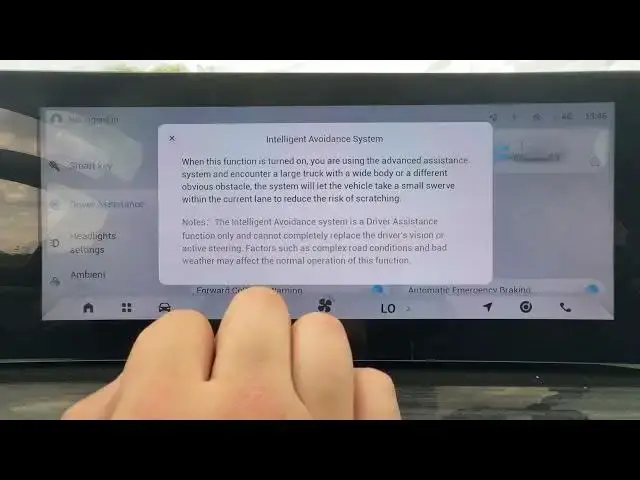

OMODA 5 EV – How to Enable or Disable Intelligent Avoidance System
Jun 30, 2026

Learn how to enable or disable the Intelligent Avoidance System on the OMODA 5 EV. This short, clear video shows exactly where to find the setting in the CAR → Driver Assistance menu, how to switch the Intelligent Avoidance System on or off, and what the feature does to reduce the risk of scratches when passing large trucks or low-contrast obstacles. Follow these steps to quickly adjust this Advanced Assistance option and make driving around obtrusive obstacles safer and easier on your OMODA 5 EV.
How to enable Intelligent Avoidance System on OMODA 5 EV?
How to disable Intelligent Avoidance System on OMODA 5 EV?
Where is the Intelligent Avoidance setting in the OMODA 5 EV menu?
0:00 Intro - OMODA 5 EV overview
0:09 Open CAR menu and go to Driver Assistance
0:17 Find Intelligent Avoidance System and toggle it
0:21 Explanation - what the system does when enabled
0:36 Final tips and subscribe
#OMODA5 #OMODA5EV #DriverAssistance #IntelligentAvoidance
Find out more:
https://www.hardreset.info/devices/omoda/omoda-5-ev/
Follow us on Instagram ► https://www.instagram.com/hardreset.info
Like us on Facebook ► https://www.facebook.com/hardresetinfo/
Tweet us on Twitter ► https://twitter.com/HardResetI
Show More Show Less #Science