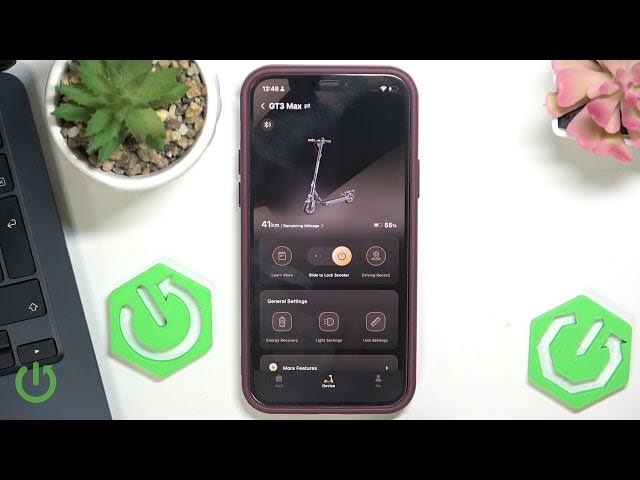

NAVEE GT3 Max – How to Enable or Disable Tail Light
May 28, 2026

In this short video I show how to enable or disable the tail light on the NAVEE GT3 Max using the NAVEE smartphone app. You will see where to tap, how to open Light settings, and how to toggle the "Tail light on" option on or off. This quick guide is perfect for a fast safety check, saving battery, or customizing your scooter lights. Clear, simple steps so anyone can follow along with the NAVEE GT3 Max.
How to enable tail light on NAVEE GT3 Max?
How to disable tail light on NAVEE GT3 Max?
Where is Light settings in the NAVEE app for NAVEE GT3 Max?
0:00 Intro
0:06 Open NAVEE app
0:09 Go to Light settings
0:22 Toggle tail light on/off
0:30 Done — test the light
#NAVEE #GT3Max #ElectricScooter #TailLight
Find out more:
https://www.hardreset.info/devices/navee/navee-gt3-max/
Follow us on Instagram ► https://www.instagram.com/hardreset.info
Like us on Facebook ► https://www.facebook.com/hardresetinfo/
Tweet us on Twitter ► https://twitter.com/HardResetI
Show More Show Less #Science