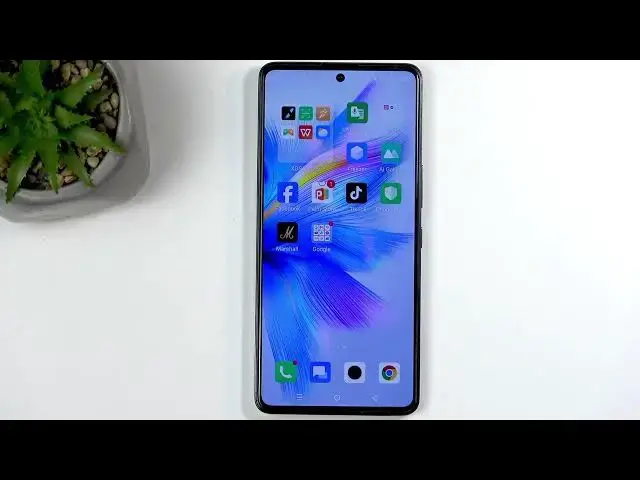

INFINIX Note 30 VIP – How to Take a Screenshot
Jul 1, 2026

Learn how to capture screenshots on the INFINIX Note 30 VIP. In this video I show the simple button method (press Power + Volume Down), how to use the scrolling screenshot for long pages, and where to find your screenshots in the Gallery or Albums. I also explain why some apps like banking and streaming can block screenshots and give safe workarounds such as downloading a confirmation PDF or viewing content in a browser. Troubleshooting tips for screenshots not working are included.
How to take a screenshot on INFINIX Note 30 VIP?
How to take a scrolling screenshot on INFINIX Note 30 VIP?
How to capture a bank confirmation on INFINIX Note 30 VIP when screenshots are blocked?
0:00 Intro and what we will cover
0:09 Prepare the screen and open content you want to capture
0:54 Take a screenshot: press Power + Volume Down together
1:00 Scrolling screenshot demo and save options
1:25 Where to find screenshots in Gallery and Albums
3:13 Why some apps block screenshots (banking and streaming)
5:04 Workaround for bank confirmations: download PDF or use app options
6:42 Workaround for streaming: open content in browser to capture
7:35 Legal note on fair use and copyright limits
10:37 Outro, like and subscribe
#INFINIXNote30VIP #INFINIX #Screenshot #AndroidTips
Find out more:
Show More Show Less #Science