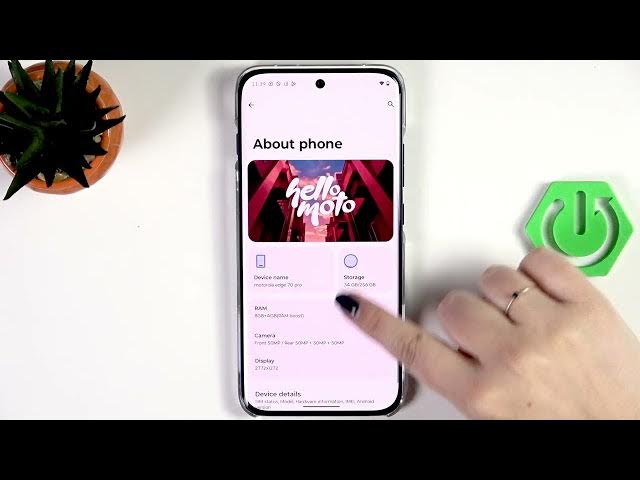

MOTOROLA Edge 70 Pro - How to Check Serial Number
Jun 10, 2026

In this short video you will learn two simple ways to check the serial number on the MOTOROLA Edge 70 Pro. First, I show the quick dialer method using the code *#06# which opens a pop-up showing the device serial/IMEI. Then I demonstrate the Settings method: open Settings → About phone → Device details → tap Model and you’ll see the serial number in the second position. These steps help you verify authenticity, check warranty info, or give details when contacting support. Works with most Motorola Edge series phones and is useful for buyers and owners who need the serial or IMEI fast.
How to check the serial number on MOTOROLA Edge 70 Pro?
How to find serial number and IMEI on MOTOROLA Edge 70 Pro?
How to view serial number in Settings on MOTOROLA Edge 70 Pro?
0:00 Introduction
0:06 Open the dialer and enter *#06#
0:18 Serial number shown in pop-up
0:26 Open Settings and go to About phone
0:39 Device details → tap Model to see serial
0:45 Wrap up and subscribe
#Motorola #Edge70Pro #SerialNumber #IMEI
Find out more:
https://www.hardreset.info/devices/motorola/motorola-edge-70-pro/check-serial-number/
Follow us on Instagram ► https://www.instagram.com/hardreset.info
Like us on Facebook ► https://www.facebook.com/hardresetinfo/
Show More Show Less #Science