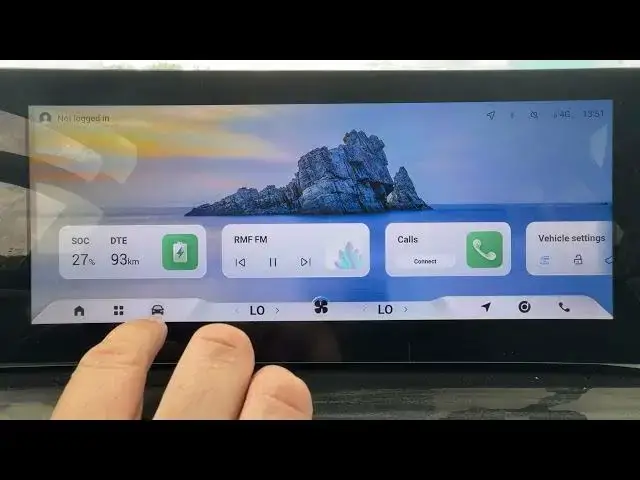

OMODA 5 EV – How to Enable or Disable Lane Departure Prevention
Jun 30, 2026

Learn how to enable or disable Lane Departure Prevention on the OMODA 5 EV. This quick, step-by-step clip shows where the setting lives in the car menu and how to toggle it safely. You’ll see exactly how to open the Car menu, go to Driver Assistance, find Lane Departure Prevention and switch it on or off. This helps you control lane‑keeping safety features and avoid unintended lane drift while driving. Perfect for new OMODA 5 EV owners or anyone adjusting driver assistance settings.
How to enable lane departure prevention on OMODA 5 EV?
How to disable lane departure prevention on OMODA 5 EV?
Where is the lane departure prevention setting on OMODA 5 EV?
0:00 Intro
0:04 Open "Car" menu
0:07 Select "Driver Assistance"
0:12 Find "Lane Departure Prevention"
0:16 Toggle Enable or Disable
0:19 Final tips & Outro
#OMODA5 #LaneDeparturePrevention #DriverAssistance #CarSafety
Find out more:
https://www.hardreset.info/devices/omoda/omoda-5-ev/
Follow us on Instagram ► https://www.instagram.com/hardreset.info
Like us on Facebook ► https://www.facebook.com/hardresetinfo/
Show More Show Less #Science