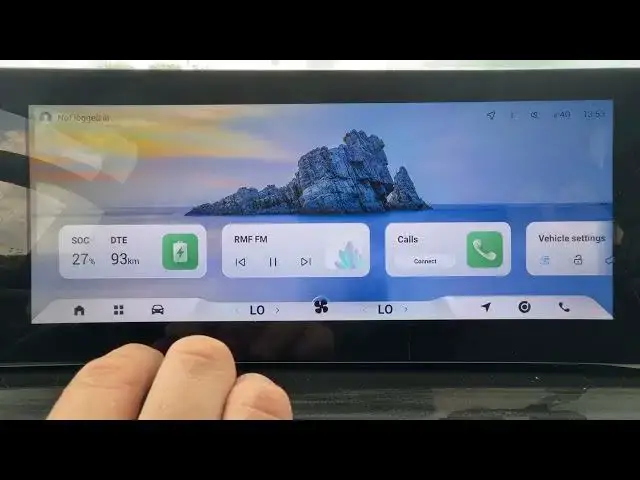

OMODA 5 EV – How to Enable Rear Cross Traffic Alert
Jun 30, 2026

In this short video I show how to enable Rear Cross Traffic Alert on the OMODA 5 EV. You will learn exactly where the setting is in the car menu so you can turn the warning system on or off quickly. Rear Cross Traffic Assist helps detect and warn you about approaching vehicles when reversing, improving safety around parking maneuvers. This clip walks you through the Car → Driver Assistance path and the simple toggle to enable or disable the feature so your OMODA 5 EV is set up the way you prefer.
How to enable Rear Cross Traffic Alert on OMODA 5 EV?
Where is Rear Cross Traffic Assist in OMODA 5 EV menu?
How to turn off Rear Cross Traffic Alert on OMODA 5 EV?
0:00 Introduction and overview
0:12 Open "Car" then go to "Driver Assistance"
0:27 Find "Rear Cross Traffic Assist" and switch it to enable
0:30 Wrap up — like, comment and subscribe for more OMODA tips
#OMODA5 #RearCrossTrafficAlert #DriverAssistance #CarSafety
Find out more:
https://www.hardreset.info/devices/omoda/omoda-5-ev/
Follow us on Instagram ► https://www.instagram.com/hardreset.info
Like us on Facebook ► https://www.facebook.com/hardresetinfo/
Tweet us on Twitter ► https://twitter.com/HardResetI
Support us on TikTok ► https://www.tiktok.com/@hardreset.info
Show More Show Less #Science