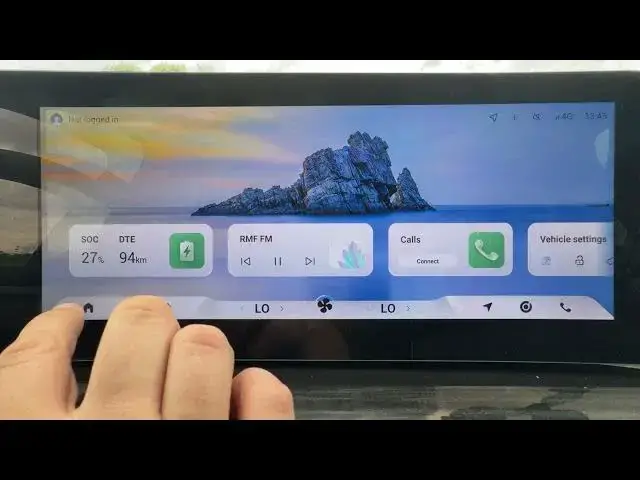

OMODA 5 EV - How to Enable or Disable Intelligent High Beam Assistant
Jun 30, 2026

In this short video I show how to enable or disable the Intelligent High Beam Assistant (HMA) on the OMODA 5 EV. You will learn where to find the HMA setting in the CAR menu, how to turn the assistant on or off from the DRIVER ASSISTANCE screen, and a quick tip on when to use it for safer night driving. This step helps the headlights automatically switch between high and low beam to improve visibility without dazzling other drivers.
How to enable Intelligent High Beam Assistant on OMODA 5 EV?
How to disable Intelligent High Beam Assistant on OMODA 5 EV?
Where is HMA setting in OMODA 5 EV menu?
0:00 Introduction
0:05 Open CAR menu
0:10 Enter DRIVER ASSISTANCE
0:15 Select HMA (Intelligent High Beam Assistant)
0:20 Enable or disable the function
0:25 Final tips and wrap up
#OMODA5 #OMODA5EV #HighBeamAssistant #DriverAssistance
Find out more:
https://www.hardreset.info/devices/omoda/omoda-5-ev/
Follow us on Instagram ► https://www.instagram.com/hardreset.info
Like us on Facebook ► https://www.facebook.com/hardresetinfo/
Show More Show Less #Science