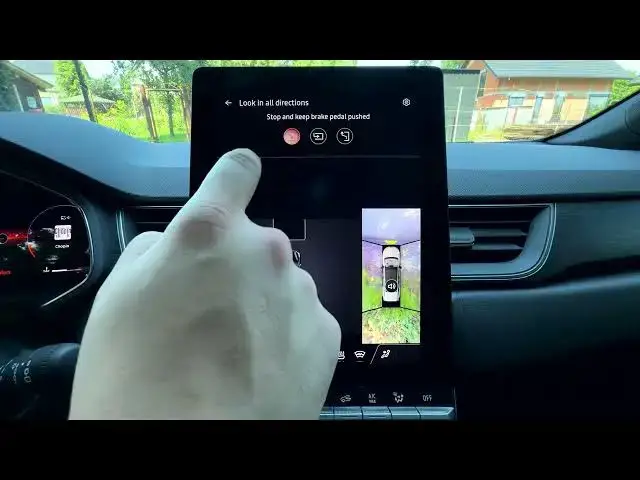

MITSUBISHI Grandis – How to Manage Automatic Parking
Jun 30, 2026

In this video we show how to manage Automatic Parking on the MITSUBISHI Grandis using the Around View Monitor and built‑in park assist. You will learn how to open the Car menu from the home screen, enter Around View Monitor → Parking, select the automatic parking type, and follow on‑screen prompts while the car locates and completes the maneuver. Clear steps for auto park, park assist, and simple tips to avoid common issues are included so you can park with confidence.
How to manage automatic parking on MITSUBISHI Grandis?
How to enable automatic parking on MITSUBISHI Grandis?
How to find the Around View Monitor parking setting on MITSUBISHI Grandis?
0:00 Introduction — what we will show
0:05 Open the Car menu from the homepage
0:12 Enter Around View Monitor and select Parking
0:16 Choose the type of automatic parking
0:25 Follow on‑screen instructions to start auto park
0:30 Car locates the parking spot and prompts next steps
0:44 Tips, common issues and wrap up
#MITSUBISHIGrandis #AutomaticParking #ParkAssist #AroundViewMonitor
Find out more:
https://www.hardreset.info/devices/mitsubishi/mitsubishi-grandis/
Follow us on Instagram ► https://www.instagram.com/hardreset.info
Show More Show Less #Science