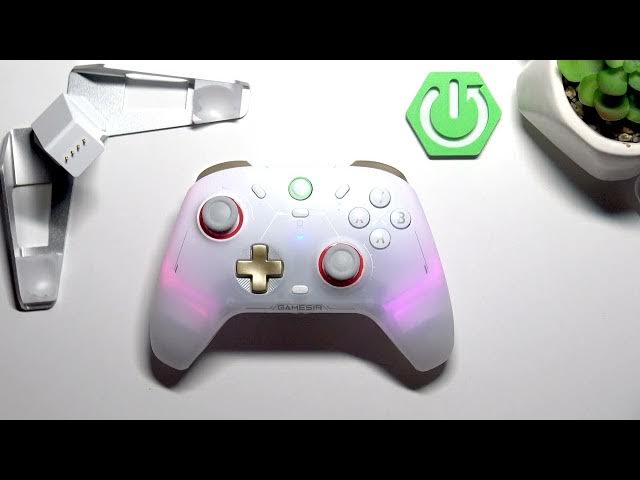

GameSir Cyclone 2 – How to Change User Profile
May 28, 2026

This video shows how to change the user profile (configuration) on the GameSir Cyclone 2 controller. You will learn the exact button combination to switch profiles, how to read the LED indicator to know which configuration is active, and quick tips to confirm your selection. This short guide covers switching between the default profile and up to three custom profiles so you can use different button mappings for different games or setups. Perfect for gamers who need fast profile switching and clear indicator feedback on the GameSir Cyclone 2.
How to change user profile on GameSir Cyclone 2?
How to switch profiles on GameSir Cyclone 2 controller?
How to tell which configuration is active on GameSir Cyclone 2?
0:00 Introduction
0:10 How to change user profile – press and hold Mode button and push right stick up or down
0:25 LED indicator explained – one line = default, two/three/four lines = custom configurations
0:39 Outro – like, comment and subscribe
#GameSirCyclone2 #GameSir #ControllerProfile #ControllerTips
Find out more:
https://www.hardreset.info/devices/gamesir/gamesir-cyclone-2/
Follow us on Instagram ► https://www.instagram.com/hardreset.info
Like us on Facebook ► https://www.facebook.com/hardresetinfo/
Tweet us on Twitter ► https://twitter.com/HardResetI
Support us on TikTok ► https://www.tiktok.com/@hardreset.info
Show More Show Less #Science