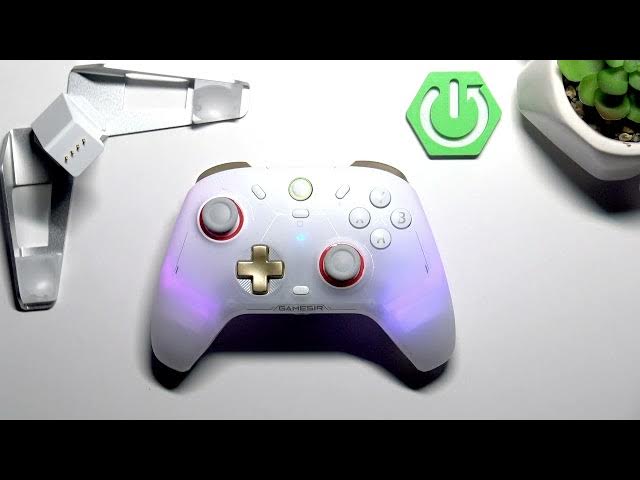

GameSir Cyclone 2 – How to Reset Controller to Factory Defaults
May 28, 2026

In this short video you'll learn how to manually reset your GameSir Cyclone 2 controller back to factory defaults using a simple pinhole reset. We show the exact location of the tiny reset hole on the bottom of the controller, what tool to use (SIM tray opener, needle, or paperclip), and how long to press so the controller restarts and clears paired devices or settings. This method is useful when the Cyclone 2 is unresponsive, won't pair, or you need a fresh start before selling or troubleshooting. Reset, restart, and reconnect your GameSir Cyclone 2 quickly and safely.
How to reset GameSir Cyclone 2 to factory defaults?
How to perform a manual reset on GameSir Cyclone 2 controller?
Where is the reset button on GameSir Cyclone 2?
0:00 Intro – what you need and why reset
0:28 Find the tiny pinhole on the bottom of the controller
0:43 Insert a SIM tray opener/needle and press for 5 seconds
0:48 Controller resets, restarts and ready to pair again
#GameSir #GameSirCyclone2 #ControllerReset #FactoryReset
Find out more:
https://www.hardreset.info/devices/gamesir/gamesir-cyclone-2/
Follow us on Instagram ► https://www.instagram.com/hardreset.info
Like us on Facebook ► https://www.facebook.com/hardresetinfo/
Tweet us on Twitter ► https://twitter.com/HardResetI
Support us on TikTok ► https://www.tiktok.com/@hardreset.info
Show More Show Less #Science