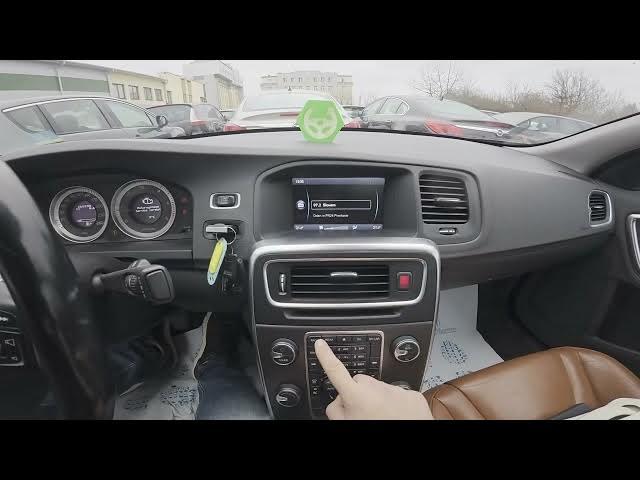

Volvo S60 II (2010-2019) – Adjust Volume Compensation (Speed-Dependent Volume)
Jan 6, 2026

In this short video you will learn how to adjust the volume compensation (speed-dependent volume) on the Volvo S60 II (2010-2019). I show where to find the option on the center display and the exact menu path so you can set audio levels that respond to driving speed. Follow along to open Radio → Menu → Audio settings → Volume compensation and choose Off, Low, Mid or High to keep music and voice calls at a comfortable level while driving.
How to adjust volume compensation on Volvo S60 II (2010-2019)?
How to turn off speed-dependent volume on Volvo S60 II (2010-2019)?
Where is the volume compensation setting in Volvo S60 II (2010-2019)?
0:00 Intro
0:06 Check the center display
0:16 Open Radio → Menu
0:16 Go to Audio settings → Volume compensation
0:24 Select Off / Low / Mid / High
0:30 Wrap up and subscribe
#VolvoS60 #VolumeCompensation #CarAudio #SpeedDependentVolume
Find out more:
https://www.hardreset.info/devices/volvo/volvo-s60-ii-2010-2019/how-to-adjust-speed-volume/
Follow us on Instagram ► https://www.instagram.com/hardreset.info
Like us on Facebook ► https://www.facebook.com/hardresetinfo/
Show More Show Less