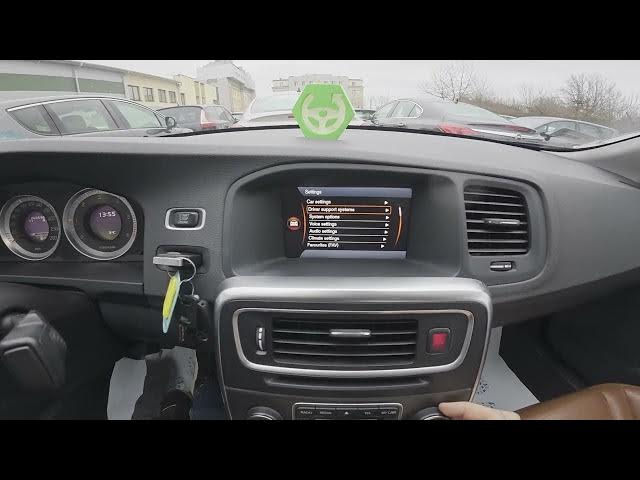

Volvo S60 II (2010-2019) - How to Change Time & Date Settings
Jan 6, 2026

Learn how to find and manage the time and date settings on your Volvo S60 II (2010-2019). In this short video we walk you through the infotainment screen: open My Car → Settings → System options, change the time, switch time format (12/24h), and enable the screensaver so your clock displays correctly. This guide is perfect for owners who need a quick clear walkthrough to set the clock or adjust date and display options on their Volvo S60 II.
How to change time and date on Volvo S60 II (2010-2019)?
How to access time settings on Volvo S60 II (2010-2019)?
How to enable screensaver and change time format on Volvo S60 II (2010-2019)?
0:00 Intro - What we will show
0:06 Open the display and go to "My Car" → "Settings"
0:18 Enter "System options" to change time and time format
0:30 How to enable the screensaver (clock display)
0:32 Outro - Like, comment and subscribe
#VolvoS60 #VolvoS60II #CarClock #CarSettings
Find out more:
https://www.hardreset.info/devices/volvo/volvo-s60-ii-2010-2019/how-to-find-and-manage-time-and-date-settings/
Follow us on Instagram ► https://www.instagram.com/hardreset.info
Like us on Facebook ► https://www.facebook.com/hardresetinfo/
Tweet us on Twitter ► https://twitter.com/HardResetI
Show More Show Less