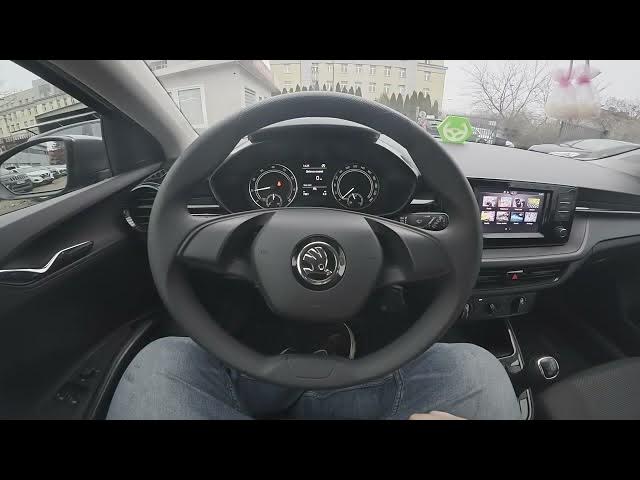

Skoda Fabia IV (2021 - now) – How to Adjust Speed Volume
Jan 16, 2026

In this short video I show how to adjust the speed volume (speed dependent volume) on the Skoda Fabia IV (2021 - now). You will learn where to find the setting on the infotainment screen, how to open Menu → Sound → Volume, and how to move the slider to set the level. This quick guide helps the system raise audio volume as your speed increases so music and navigation stay audible at higher speeds. The steps are the same on stock Fabia IV infotainment units and take less than a minute to complete.
How to adjust speed volume on Skoda Fabia IV (2021 - now)?
How to enable speed dependent volume on Skoda Fabia IV (2021 - now)?
How to find the speed volume setting in Skoda Fabia IV (2021 - now)?
0:00 Intro – Skoda Fabia and overview
0:07 Open the screen display → Menu → Sound
0:16 Enter Volume settings
0:20 Adjust the volume slider (recommend between 7 and up)
0:30 Outro – like, comment and subscribe
#SkodaFabia #SkodaFabiaIV #SpeedVolume #CarAudio
Find out more:
https://www.hardreset.info/devices/skoda/skoda-fabia-iv-2021-now/how-to-adjust-speed-volume/
Follow us on Instagram ► https://www.instagram.com/hardreset.info
Like us on Facebook ► https://www.facebook.com/hardresetinfo/
Tweet us on Twitter ► https://twitter.com/HardResetI
Show More Show Less