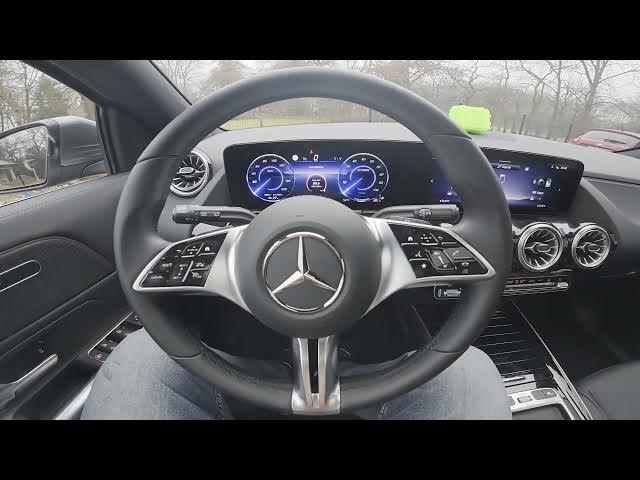

MERCEDES-BENZ EQA – How to Enable or Disable Radio Text
Jan 2, 2026

In this short video you will learn how to enable or disable Radio Text on the MERCEDES-BENZ EQA infotainment. I show the exact menu path: open the radio app, go to Sound or Radio settings, enter the FM/DAB section and toggle the Radio Text option. This setting controls whether the radio displays station names and song info on the screen and can be turned off if you prefer a simpler display. Follow these quick steps to change Radio Text on your MERCEDES-BENZ EQA in under a minute.
How to enable radio text on MERCEDES-BENZ EQA?
How to disable radio text on MERCEDES-BENZ EQA?
How to find the Radio Text setting in MERCEDES-BENZ EQA FM/DAB settings?
0:00 Intro and MERCEDES-BENZ EQA overview
0:08 Open Radio and go to Sound settings
0:21 Enter FM/DAB and locate Radio Text
0:29 Toggle Radio Text on or off and finish
#MercedesBenz #EQA #RadioText #CarAudio
Find out more:
https://www.hardreset.info/devices/mercedes-benz/mercedes-benz-eqa/how-to-enable-or-disable-radio-text/
Follow us on Instagram ► https://www.instagram.com/hardreset.info
Like us on Facebook ► https://www.facebook.com/hardresetinfo/
Tweet us on Twitter ► https://twitter.com/HardResetI
Support us on TikTok ► https://www.tiktok.com/@hardreset.info
Show More Show Less