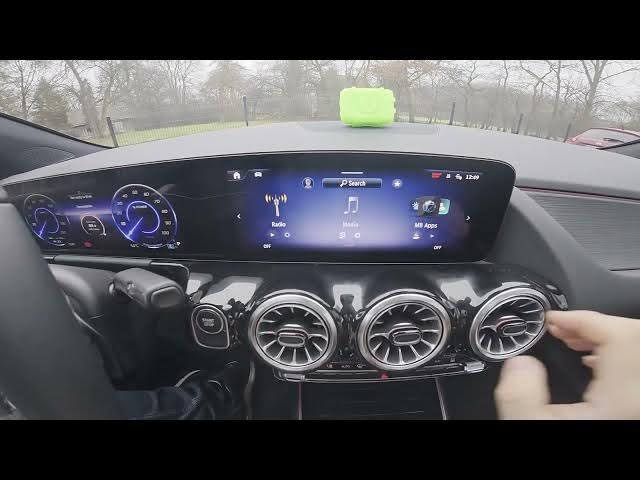

MERCEDES-BENZ EQA - How to change radio source
Jan 2, 2026

Learn how to quickly change the radio or audio source on your MERCEDES-BENZ EQA. This short video shows the exact steps on the infotainment screen: open the screen display, select Media from the menu, then pick between Bluetooth, Sound Drive, Online Music or USB. If you want to use the radio instead, go back and select Radio. Clear, fast, and perfect for new EQA owners or anyone switching between phone, USB and radio sources. Follow along to switch audio sources in seconds and get back to listening to your favorite content on your MERCEDES-BENZ EQA.
How to change radio source on MERCEDES-BENZ EQA?
How to switch audio source on MERCEDES-BENZ EQA?
Where is the Media menu on MERCEDES-BENZ EQA?
0:00 Intro - Changing radio source on MERCEDES-BENZ EQA
0:06 Open the screen display and select Media
0:16 Choose between Bluetooth, Sound Drive, Online Music or USB
0:30 Select Radio by going back to the Radio menu
0:33 Outro - Like, comment and subscribe
#MercedesBenz #EQA #CarAudio #Radio
Find out more:
https://www.hardreset.info/devices/mercedes-benz/mercedes-benz-eqa/how-to-change-radio-source/
Follow us on Instagram ► https://www.instagram.com/hardreset.info
Like us on Facebook ► https://www.facebook.com/hardresetinfo/
Tweet us on Twitter ► https://twitter.com/HardResetI
Show More Show Less