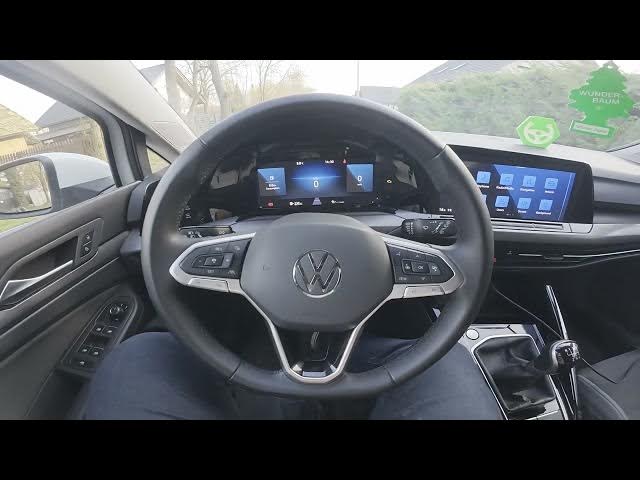

Volkswagen Golf VIII – How to Enable Lights Assistant
Jan 15, 2026

In this quick video I show how to enable and disable the Lights Assistant on the Volkswagen Golf VIII (2019 - now). You will follow the exact steps on the central display so you can change automatic exterior lighting behavior. The video covers the menu path: open the screen display, go to Vehicle, then Exterior & Headlights, enter Switch On Time and select Early, Medium or Late. These options control when exterior lights automatically switch on and let you adapt the car to your driving and daylight preferences.
How to enable Lights Assistant on Volkswagen Golf VIII (2019 - now)?
How to disable Lights Assistant on Volkswagen Golf VIII (2019 - now)?
Where is Lights Assistant located in the Volkswagen Golf VIII menu?
0:00 Introduction
0:07 Show display & open Vehicle menu
0:16 Enter Exterior & Headlights
0:23 Switch On Time — choose Early / Medium / Late
0:30 Outro — like, comment & subscribe
#Volkswagen #GolfVIII #LightsAssistant #CarSettings
Find out more:
https://www.hardreset.info/devices/volkswagen/volkswagen-golf-viii-2019-now/how-to-enable-lights-assistant/
Follow us on Instagram ► https://www.instagram.com/hardreset.info
Like us on Facebook ► https://www.facebook.com/hardresetinfo/
Tweet us on Twitter ► https://twitter.com/HardResetI
Show More Show Less