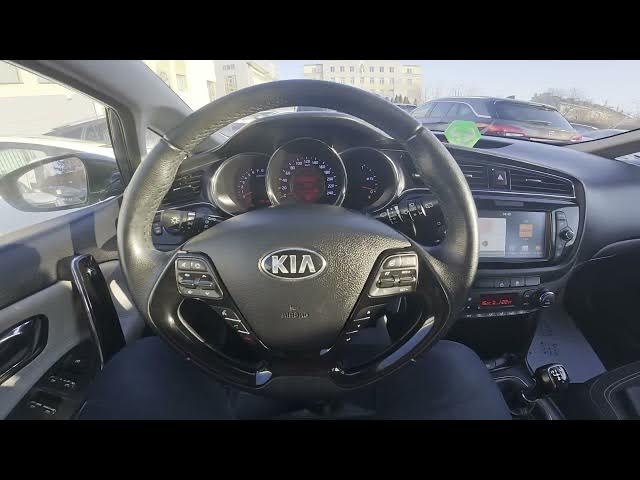

Kia Ceed II Facelifting – How to Enable Noise Cancellation
Dec 26, 2025

This video shows how to enable and disable Noise Cancellation on the Kia Ceed II Facelifting. You will see where the setting is on the infotainment screen and how to change the Radio → Noise Cancellation option. Follow the clear steps to switch between Original Sound, Mild Noise Cancellation, and Strong Noise Cancellation to reduce road and wind noise or restore natural sound in the cabin. The guide is short and easy to follow, perfect for new owners and anyone who wants better in-car audio control.
How to enable noise cancellation on Kia Ceed II Facelifting?
How to change Noise Cancellation settings on Kia Ceed II Facelifting Radio?
How to disable Noise Cancellation on Kia Ceed II Facelifting?
0:00 Introduction
0:07 Check the infotainment screen display
0:11 Open Radio menu and select Noise Cancellation
0:19 Choose Original Sound, Mild Noise Cancellation, or Strong Noise Cancellation
0:29 Outro and quick tip
#KiaCeed #NoiseCancellation #CarAudio #KiaCeedII
Find out more:
https://www.hardreset.info/devices/kia/kia-ceed-ii-facelifting/
Follow us on Instagram ► https://www.instagram.com/hardreset.info
Like us on Facebook ► https://www.facebook.com/hardresetinfo/
Tweet us on Twitter ► https://twitter.com/HardResetI
Show More Show Less