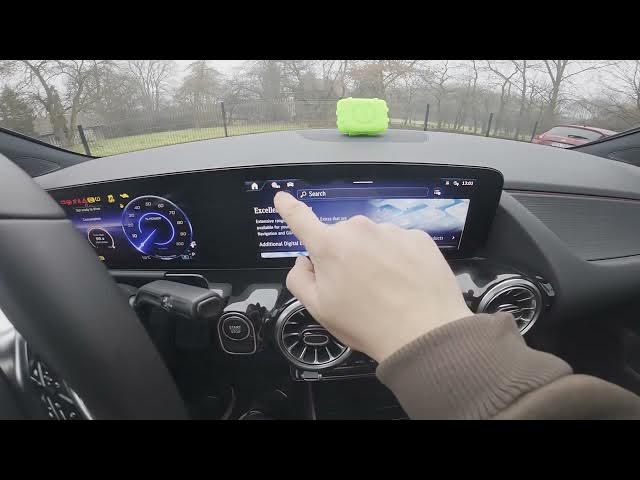

MERCEDES-BENZ EQA – How to Check Digital Extras
Jan 2, 2026

In this short video we show how to check Digital Extras on the MERCEDES-BENZ EQA using the car screen and the Store menu. You will learn where to find the Digital Extras entry, how to open the Store, and how to read important items such as Activation Progress and Valid status. These quick steps help you confirm purchased features, see activation progress, and check whether extras are valid on your EQA. The process is simple: check the screen display, go to Store, tap the button and review the Digital Extras list.
How to check digital extras on MERCEDES-BENZ EQA?
How to see Activation Progress on MERCEDES-BENZ EQA?
Where is the Store menu for digital extras on MERCEDES-BENZ EQA?
0:00 Intro – Mercedes EQA and what we'll check
0:09 Check the screen display
0:24 Open Store menu
0:34 Tap the button to view Digital Extras (Activation Progress, Valid)
0:52 Wrap up & subscribe
#MercedesBenz #EQA #DigitalExtras #MBUX
Find out more:
https://www.hardreset.info/devices/mercedes-benz/mercedes-benz-eqa/how-to-check-your-digital-extras/
Follow us on Instagram ► https://www.instagram.com/hardreset.info
Like us on Facebook ► https://www.facebook.com/hardresetinfo/
Tweet us on Twitter ► https://twitter.com/HardResetI
Show More Show Less