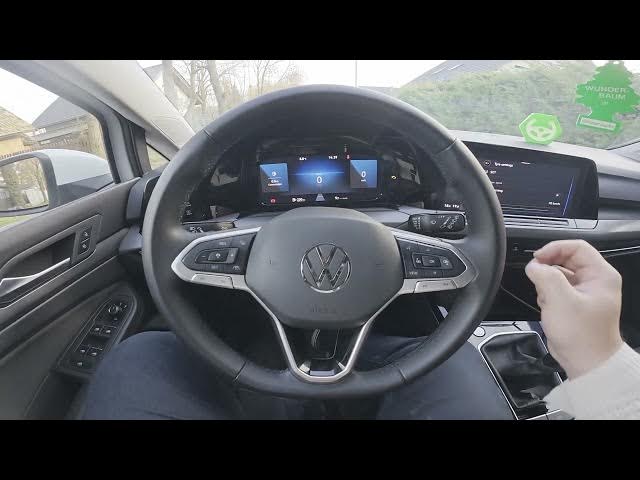

VOLKSWAGEN Golf VIII – How to Set Speed Warning for Winter Tires
Jan 15, 2026

This video shows how to enable and set the winter tires speed warning on a Volkswagen Golf VIII (2019 - now). You'll see the exact steps on the central display: open the Vehicle menu, go to Exterior and Tires, toggle the winter tires speed warning and choose a warning speed between 30 and 240 km/h. Follow these clear on-screen instructions so you get a reminder when your winter tires reach a chosen speed — useful for safe driving in cold conditions and when switching tire sets.
How to set speed warning on Volkswagen Golf VIII (2019 - now) for winter tires?
How to enable winter tires speed warning on Volkswagen Golf VIII (2019 - now)?
Where is the speed warning setting in Volkswagen Golf VIII (2019 - now) vehicle menu?
0:00 Welcome and overview
0:03 Check the screen display
0:08 Open the Vehicle menu
0:17 Go to Exterior & Tires
0:21 Find the winter tires / speed warning option
0:24 Toggle the setting to enable
0:28 Set the warning speed (30–240 km/h)
0:32 Wrap up and subscribe
#Volkswagen #GolfVIII #WinterTires #SpeedWarning
Find out more:
https://www.hardreset.info/devices/volkswagen/volkswagen-golf-viii-2019-now/how-to-set-speed-warning-for-winter-tires/
Show More Show Less