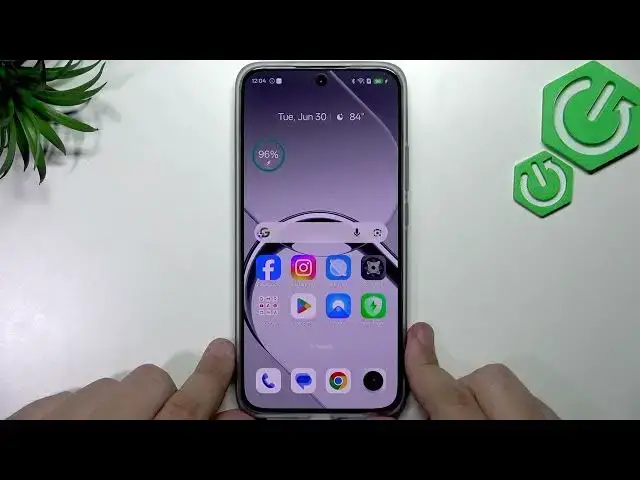

REALME 16 5G – How to Use Fast Charging & Bypass Charging
Jul 1, 2026

This video shows how to use fast charging and enable bypass charging on the REALME 16 5G. You will learn how to check charger and cable compatibility, how to recognize SuperVoc/SuperVooc fast charging when you plug in, and how to turn on bypass charging in Settings so the phone powers the system directly instead of the battery. Follow these simple on-screen steps to set the bypass threshold, reduce device heat during charging, and protect battery health. No special apps or hidden developer menus are required — everything is available in Battery → Charging settings.
How to use fast charging on REALME 16 5G?
How to enable bypass charging on REALME 16 5G?
How to set the bypass charging threshold on REALME 16 5G?
0:00 Intro
0:10 Check charger and cable compatibility for fast charging
0:25 Plug in cable and look for SuperVoc/SuperVooc indicator
0:45 What SuperVoc means for charging speed
1:01 Open Settings → Battery to access charging options
1:18 Charging settings → Enable Bypass Charging
1:35 Choose the bypass threshold and what it does
1:58 Benefits: less heat, less battery stress during use
2:08 Outro and final tips
#REALME16 #FastCharging #BypassCharging #SuperVooc
Find out more:
https://www.hardreset.info/devices/realme/realme-16-5g/
Show More Show Less #Science