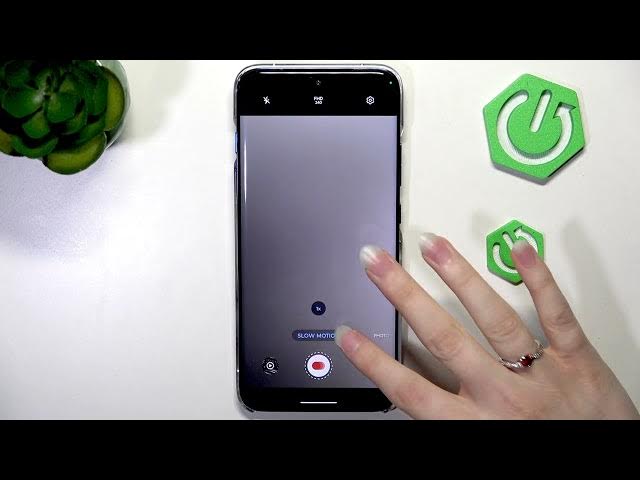

MOTOROLA Edge 70 Pro – 4K & Slow Motion Recording
Jun 14, 2026

In this video I show how to record 4K and slow-motion video on the MOTOROLA Edge 70 Pro. You will learn how to open the Camera app, switch to Video mode, choose resolution from Full HD up to 4K, and set FPS (30 / 60). I also cover slow motion options (120fps and 240fps), show real file size examples for 4K 30fps, Full HD 60fps and slow motion clips, and demonstrate how to set where the slow motion starts and ends using the slider. These tips help you balance video quality and storage on your Edge 70 Pro.
How to record 4K on MOTOROLA Edge 70 Pro?
How to record slow motion on MOTOROLA Edge 70 Pro?
How to change FPS and resolution on MOTOROLA Edge 70 Pro?
0:00 Intro
0:08 Open Camera and choose Video mode
0:29 Change resolution and FPS (Full HD, 4K, 30/60)
0:37 Slow motion options (120fps, 240fps)
0:53 File size example: 4K 30fps
1:01 File size example: Full HD 60fps
1:17 Adjust slow motion start/end with the slider
1:31 Wrap up and tips
#MotorolaEdge70Pro #4KVideo #SlowMotion #MobileVideo
Find out more:
https://www.hardreset.info/devices/motorola/motorola-edge-70-pro/
Show More Show Less #Science