
MITSUBISHI Outlander IV - How to Adjust Lane Departure Warning Sensitivity
Jun 30, 2026

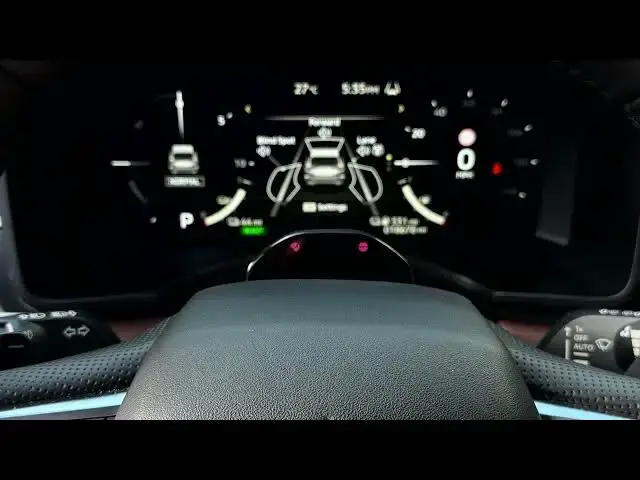
In this short video I show how to adjust the lane departure warning sensitivity on a MITSUBISHI Outlander IV using the dashboard screen behind the steering wheel. You will learn how to navigate the instrument cluster with the left/right arrows and the OK/scroll button, open Settings → Driver Assistance → Line, and change Line Sensitivity between Mild, Normal, and Strong. I also explain what each sensitivity level means so you can choose earlier or later alerts to match your driving style and road conditions.
How to adjust lane departure warning sensitivity on MITSUBISHI Outlander IV?
How to change Line Sensitivity in MITSUBISHI Outlander IV driver assistance settings?
Where is the lane departure warning setting on MITSUBISHI Outlander IV dashboard?
0:00 Introduction
0:06 Using the dashboard controls (arrows and OK/scroll)
0:44 Open Settings on the instrument cluster
0:57 Enter Driver Assistance and select Line
1:09 Line Sensitivity explained (Mild / Normal / Strong)
1:41 Choose and confirm the sensitivity level
1:56 Finished — tips and closing
#MitsubishiOutlanderIV #LaneDepartureWarning #LDW #CarSettings
Find out more:
https://www.hardreset.info/devices/mitsubishi/mitsubishi-outlander-iv/
Follow us on Instagram ► https://www.instagram.com/hardreset.info
Show More Show Less #Science