0:00
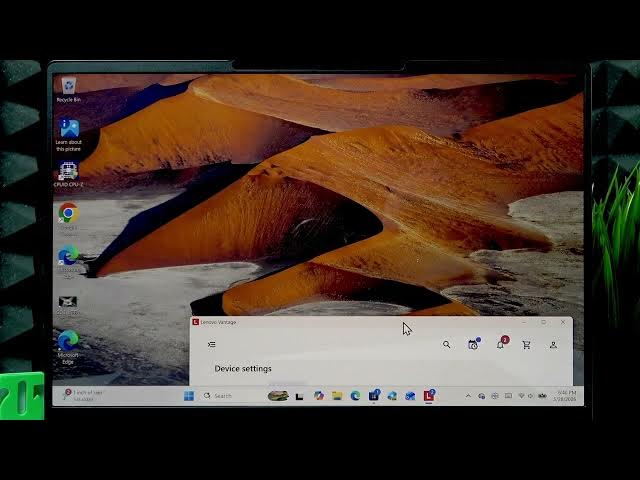
Welcome in this video. I will show you
0:01
how to set the best display mode for eye
0:12
So, despite Windows only has uh the one
0:15
native uh night light feature uh which
0:19
basically just makes your devices
0:21
display slightly more orange uh
0:24
and so doesn't do anything else which
0:26
distorts your uh the colors on your
0:29
device. I'm still going to show you how
0:31
to enable it just to show you an
0:33
example. So, to enable the night light
0:36
uh eye protection, you have to
0:38
uh go to start menu, then open settings.
0:40
Then here in settings, we have to go to
0:42
the system on the sidebar, then select
0:46
and here enable the night light by
0:48
switching this toggle to the right,
0:50
which immediately will make your
0:52
device's display orange.
0:55
However, it does not adapt to your
0:57
ambient colors uh and it doesn't uh
1:03
doesn't make a a lot of adjustments and
1:05
it's very very much distorts your
1:07
device's colors. You can of course
1:09
adjust the intensity of it if you go to
1:11
the settings and use the slider. And you
1:14
can also schedule it, but you can also
1:16
use a much better version of this tool
1:19
by uh going to Lenovo Vantage
1:23
It should be pre-installed on your
1:24
laptop, but if you don't have it, you
1:26
can download it from the Microsoft
1:30
Once you would download it, uh open the
1:39
After that, open the sidebar. Go to
1:42
device settings, then open display
1:46
and enable eye care mode.
1:48
Now, here if you enable vision care,
1:52
uh it basically turns on the
1:54
uh a very similar or uh orange filter
1:57
except for it actually adjusts to your
2:02
to your ambient lights and it also
2:04
alters the colors of your screen so that
2:08
that orange which you can see for
2:10
yourself. And it actually makes your
2:12
device less blue. So, I really really
2:14
recommend using the Vision Ca-
2:17
Care feature instead. And to make to
2:20
show you the proof that it actually
2:22
removes the blue colors, I will uh
2:25
disable this feature just for a second.
2:29
And then you can see that
2:31
the blue colors basically reappeared on
2:33
the screen. So, yeah, instead of Windows
2:35
Night Light, I highly recommend using
2:37
Vision Care. Now, Care Now, uh
2:43
other settings like Vivid View or Ambe-
2:45
Amberglow. Amberglow will basically
2:47
apply the same Windows
2:52
that we've seen before. So, it's not uh
2:55
it's really only good for uh
2:59
for deep night sessions.
3:02
Uh the Vivid View is something that you
3:09
in would see in the store uh with this
3:11
laptop being on the shelf. Now,
3:14
you can use this mode for as it says
3:17
more accurate colors for an immersive
3:19
experience in gaming and streaming.
3:21
Uh but generally, if you want to
3:25
uh enable the Eye Care mode, use use the
3:27
Vision Care as this is the best the
3:32
display mode for your eyes.
3:36
And that's pretty much it. Thank you for
3:38
watching this video. If it helps you,
3:39
please consider subscribing to our
3:40
channel, leave us a like in the comment
3:42
below, and I'll see you in the next one.