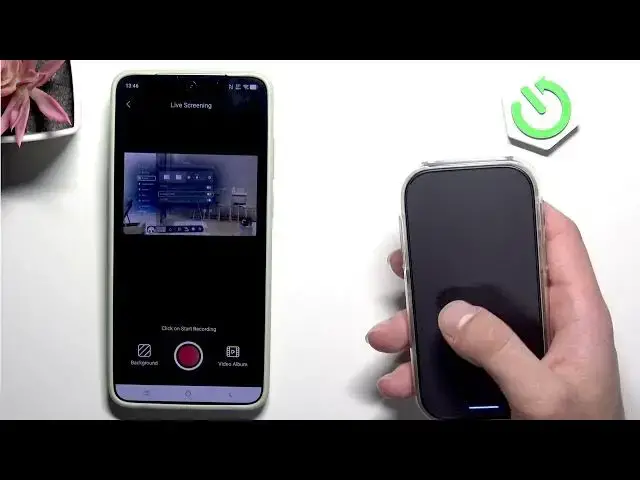

Rokid Max 2 AR – Best Display Settings
Jun 17, 2026

Learn how to set the best display settings on your Rokid Max 2 AR to get clearer visuals, less eye strain, and a more comfortable AR experience. In this video we go into Quick Settings → Settings → Display and show how to change brightness, adjust IPD (lens distance), enable Eye Protection mode (yellow tint), toggle Dark Mode, use the Sky Curtain background, and fine-tune the vision blur wheels on the headset. These quick adjustments will help you optimize clarity and comfort whether the device is connected to your phone or used standalone.
How to set the best display settings on Rokid Max 2 AR?
How to adjust IPD on Rokid Max 2 AR?
How to enable Eye Protection mode on Rokid Max 2 AR?
0:00 Intro – what we will change
0:08 Open Quick Settings and go to Settings
0:23 Select Display and change brightness
0:30 IPD adjustments – set lens distance
0:44 Eye Protection mode – yellow tint explained
0:51 Dark Mode and Sky Curtain overview
1:01 Sky Curtain when connected to phone vs standalone
1:16 Vision blur wheels on the glasses – how to adjust
1:48 Outro and final tips
#RokidMax2AR #ARGlasses #DisplaySettings #IPD
Find out more:
https://www.hardreset.info/devices/rokid/rokid-max-2-ar/
Show More Show Less #Science