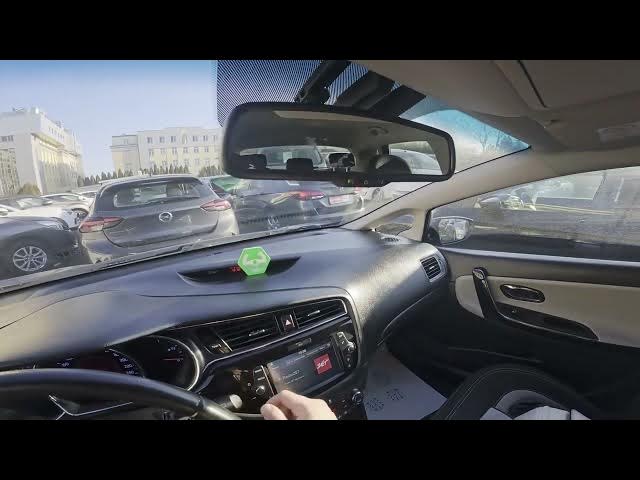

Kia Ceed II Facelift – How to Enable or Disable Rear Wiper
Dec 28, 2025

In this short video I show how to enable, use and disable the rear wiper on the Kia Ceed II Facelift. You’ll learn where the wiper stalk is located behind the right side of the steering wheel, how to twist the lever to switch between automatic and constant wiping, and how to set the control back to 0 to turn the rear wiper off. This quick, easy guide is perfect for new owners or anyone who needs a fast refresher on the rear windshield wiper controls for the Kia Ceed II Facelift.
How to enable rear wiper on Kia Ceed II Facelift?
How to disable rear wiper on Kia Ceed II Facelift?
Where is the rear wiper control on Kia Ceed II Facelift?
0:00 Introduction
0:06 Locate the rear wiper stalk (right of steering wheel)
0:10 Activate rear wiper – twist once up for automatic mode
0:18 Activate constant mode – twist up again for continuous wiping
0:26 Disable rear wiper – set the lever to 0 position & ending
#KiaCeedII #RearWiper #CarTips #Kia
Find out more:
https://www.hardreset.info/devices/kia/kia-ceed-ii-facelifting/how-to-enable-disable-rear-wiper/
Follow us on Instagram ► https://www.instagram.com/hardreset.info
Like us on Facebook ► https://www.facebook.com/hardresetinfo/
Tweet us on Twitter ► https://twitter.com/HardResetI
Show More Show Less