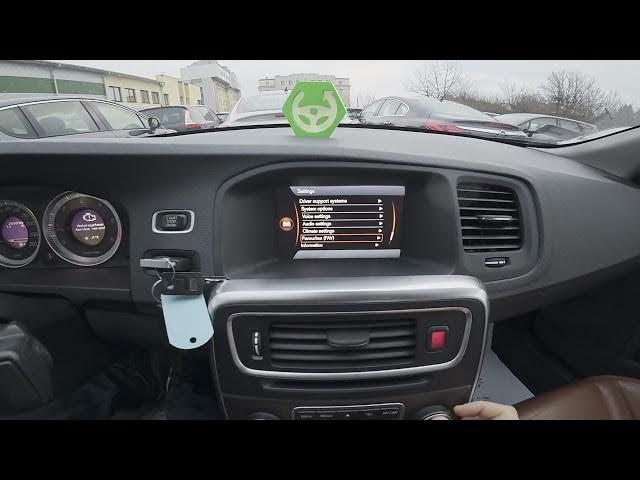

Volvo S60 II (2010-2019) - How to Select Function for Favourite Button
Jan 6, 2026

This video shows how to choose what the Favourite button does on a Volvo S60 II (2010-2019). We open the center display, go to My Car → Settings, then select Favourite and pick Radio, Media or Navigation. Follow these clear steps to set and test the Favourite button so it launches the feature you use most.
How to select function for Favourite button on Volvo S60 II (2010-2019)?
How to set the Favourite button to Radio on Volvo S60 II (2010-2019)?
Where is the Favourite setting on Volvo S60 II (2010-2019) My Car menu?
0:00 Introduction
0:08 Open My Car & Settings
0:21 Select Favourite and choose Radio / Media / Navigation
0:30 Press Favourite Button to test the function
0:44 Wrap up and subscribe
#VolvoS60 #Volvo #CarSettings #FavouriteButton
Find out more:
https://www.hardreset.info/devices/volvo/volvo-s60-ii-2010-2019/how-to-select-function-for-favourite-button/
Follow us on Instagram ► https://www.instagram.com/hardreset.info
Like us on Facebook ► https://www.facebook.com/hardresetinfo/
Tweet us on Twitter ► https://twitter.com/HardResetI
Show More Show Less