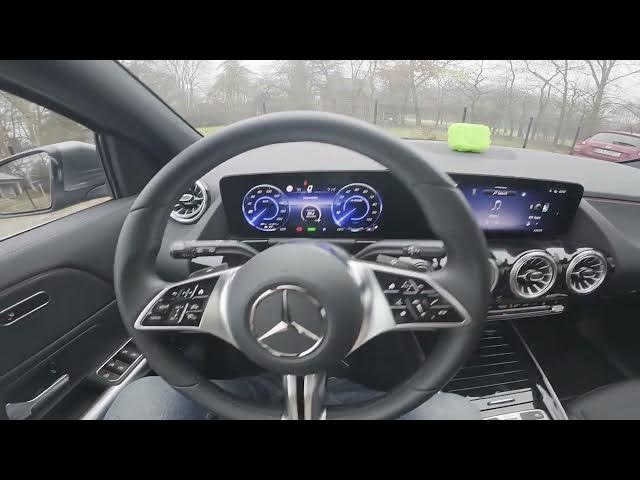

MERCEDES-BENZ EQA - How to Manage Radio Favorites
Jan 2, 2026

In this short video I show how to manage radio favorites on the MERCEDES-BENZ EQA. You will learn how to open the radio on the central screen, go to the Favorites section, cycle through your saved stations, access the Favorites menu, check traffic info for favorite stations and adjust related settings so your presets work the way you want.
How to manage radio favorites on MERCEDES-BENZ EQA?
How to add or remove favorite stations on MERCEDES-BENZ EQA?
How to access the radio Favorites menu on MERCEDES-BENZ EQA?
0:00 Intro - What we will show
0:08 Open the screen, go to Radio and Favorites
0:21 Cycle between favorite stations / Favorites menu overview
0:29 Check traffic info for favorites and manage settings
0:35 Outro - Like, comment and subscribe
#MercedesBenz #EQA #CarAudio #RadioFavorites
Find out more:
https://www.hardreset.info/devices/mercedes-benz/mercedes-benz-eqa/how-to-manage-radio-favourites/
Follow us on Instagram ► https://www.instagram.com/hardreset.info
Like us on Facebook ► https://www.facebook.com/hardresetinfo/
Tweet us on Twitter ► https://twitter.com/HardResetI
Show More Show Less