
TESLA – How to Enable Automatic Emergency Braking
Jan 23, 2026

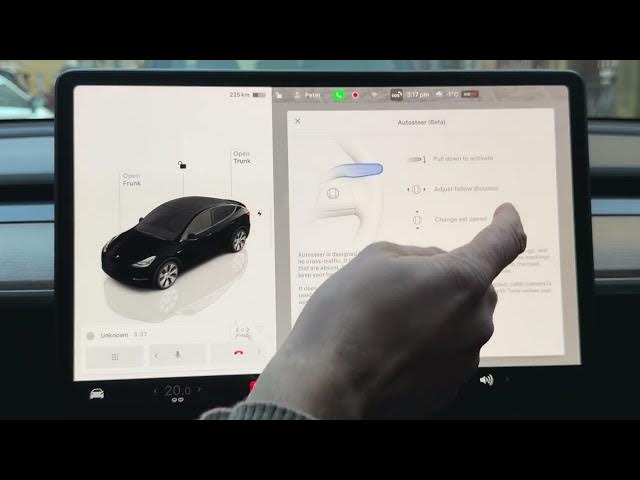
Learn how to enable Tesla Automatic Emergency Braking (AEB) on your Tesla vehicle. In this short video I show the exact steps inside the car controls: tap the car icon in the lower-left corner, open Autopilot, scroll down and toggle Automatic Emergency Braking. You will see what AEB does (it automatically applies the brakes to reduce the impact of a frontal collision) and a quick note about interactions with Autosteer. This applies to Tesla vehicles such as Model 3, Model Y, Model S and Model X and helps improve safety on the road.
How to enable Automatic Emergency Braking on Tesla vehicles?
How to find Automatic Emergency Braking setting in Tesla Autopilot?
How to disable Tesla Automatic Emergency Braking when using Autosteer?
0:00 Introduction – what we will cover
0:07 Open Controls and select the car icon
0:14 Go to Autopilot menu
0:29 Toggle Automatic Emergency Braking and explanation of AEB
0:45 Important note: Autosteer interaction and disabling AEB
0:58 Outro – subscribe and thumbs up
#Tesla #AutomaticEmergencyBraking #Autopilot #CarSafety
Find out more:
https://www.hardreset.info/devices/car/car-tesla/
Follow us on Instagram ► https://www.instagram.com/hardreset.info
Like us on Facebook ► https://www.facebook.com/hardresetinfo/
Show More Show Less #Science