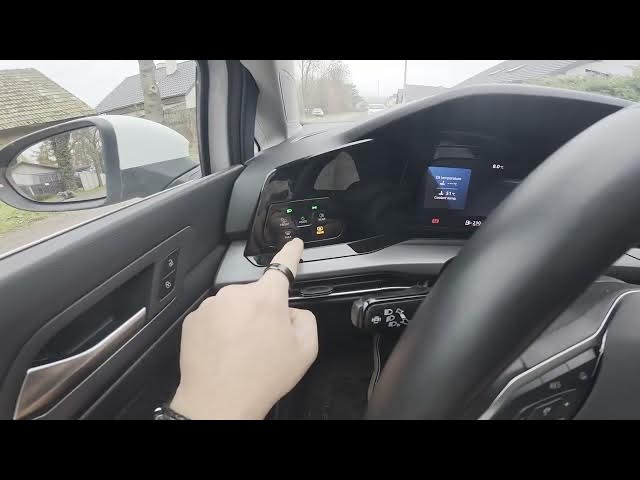

Volkswagen Golf VIII – How to Enable or Disable Auto Lights
Jan 15, 2026

This short video shows how to enable and disable the automatic headlights (auto lights) on the Volkswagen Golf VIII (2019 - now). I demonstrate the exact control panel location behind the left side of the steering wheel and how to use the MODE button to turn auto lights on or off. You’ll also get a quick overview of other lighting functions available from the same panel, including high beam, position lights, bad weather lights, rear fog light, max front windshield blower and rear heating. Clear and simple steps that make it easy to change headlight settings while parked.
How to enable auto lights on Volkswagen Golf VIII (2019 - now)?
How to disable auto lights on Volkswagen Golf VIII (2019 - now)?
Where is the auto lights control on Volkswagen Golf VIII?
0:00 Intro
0:05 Find the control panel behind the steering wheel
0:13 Press MODE to enable auto lights
0:22 Other lighting functions explained
0:33 Wrap up & subscribe
#VolkswagenGolfVIII #AutoLights #CarTips #Headlights
Find out more:
https://www.hardreset.info/devices/volkswagen/volkswagen-golf-viii-2019-now/enable-disable-automatic-lights/
Follow us on Instagram ► https://www.instagram.com/hardreset.info
Like us on Facebook ► https://www.facebook.com/hardresetinfo/
Tweet us on Twitter ► https://twitter.com/HardResetI
Show More Show Less #Science
#Volkswagen