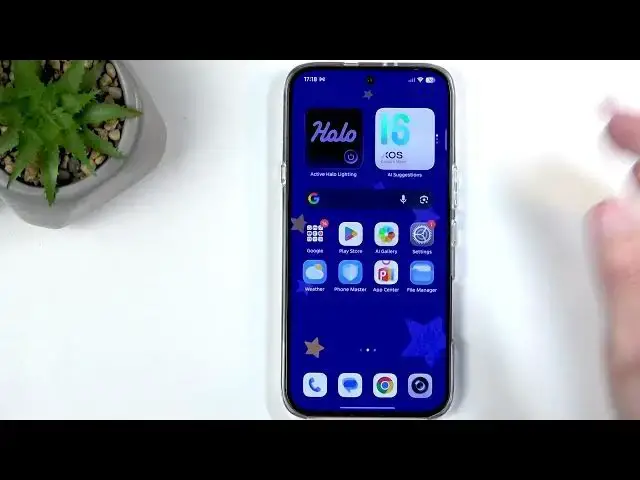

INFINIX Note 60 – How to Enable and Set Up Portable Hotspot
Jul 1, 2026

Learn how to enable, configure, and secure the portable hotspot on your INFINIX Note 60. In this clear step-by-step video you will see how to find the hotspot toggle in Quick Settings, add the toggle if it is missing, change the hotspot name and password, choose the AP band, hide the network (and why you usually should not), manage connected devices and blacklist unwanted users, set maximum connected devices, and apply a one-time data limit to protect your mobile data. This guide also shows where to find SIM & network data usage settings so you can set warnings and automatic turn-off when your data plan is low. Perfect for beginners and anyone who wants to share their Note 60 mobile connection safely and efficiently.
How to enable portable hotspot on INFINIX Note 60?
How to change the hotspot password on INFINIX Note 60?
How to set a data limit for hotspot on INFINIX Note 60?
0:00 Intro – what this video covers
0:11 Open Quick Settings and find hotspot toggle
0:41 Edit quick settings to add hotspot if missing
1:07 Hold hotspot toggle and open More settings
1:22 Change hotspot name and edit password
2:28 AP band, Hide network explained
3:06 Demo: turn hotspot on and connect a device
4:03 Manage connections and add to blacklist
5:31 Set maximum devices and one-time data limit
7:37 SIM & network → data usage settings and warnings
11:02 Turn off hotspot and final tips
#Infinix #InfinixNote60 #PortableHotspot #HotspotSetup
Show More Show Less #Science