
HYUNDAI Santa Fe V – How to Enable or Disable Auto Lights
Jun 15, 2026

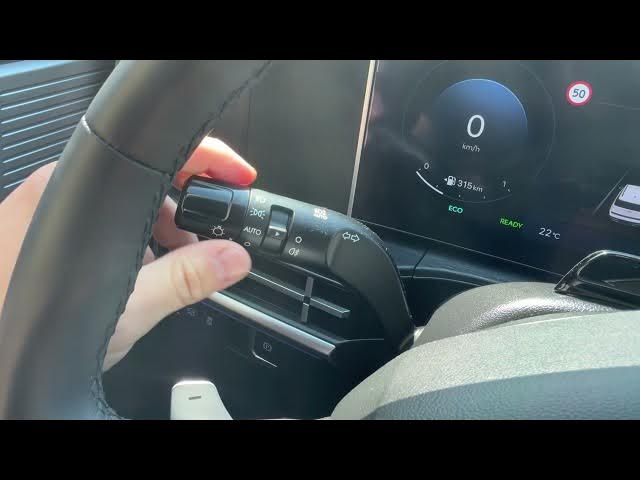
In this short video I show how to enable and disable the automatic headlights on the HYUNDAI Santa Fe V. You will see where the light control lever is (behind the left side of the steering wheel), how to turn AUTO on by twisting the top part of the stalk once upwards, and how to switch it off by returning the lever to the 0 position. I also show how to use the same lever for position lights, low (dipped) beam, high beam and fog lights. This quick guide helps you use auto lights for safer driving and better visibility.
How to enable automatic lights on HYUNDAI Santa Fe V?
How to disable automatic lights on HYUNDAI Santa Fe V?
Where is the headlight lever on HYUNDAI Santa Fe V?
0:00 Intro
0:05 Locate the light control lever (left of steering wheel)
0:10 How to enable AUTO lights (twist top of lever once up)
0:18 How to disable AUTO lights (set lever to 0 position)
0:24 Other light modes: position, low/dipped beam, high beam, fog lights
0:34 Quick tip and outro
#Hyundai #SantaFeV #AutoLights #CarTips
Find out more:
https://www.hardreset.info/devices/hyundai/hyundai-santa-fe-v/enable-disable-automatic-lights/
Follow us on Instagram ► https://www.instagram.com/hardreset.info
Like us on Facebook ► https://www.facebook.com/hardresetinfo/
Show More Show Less #Science