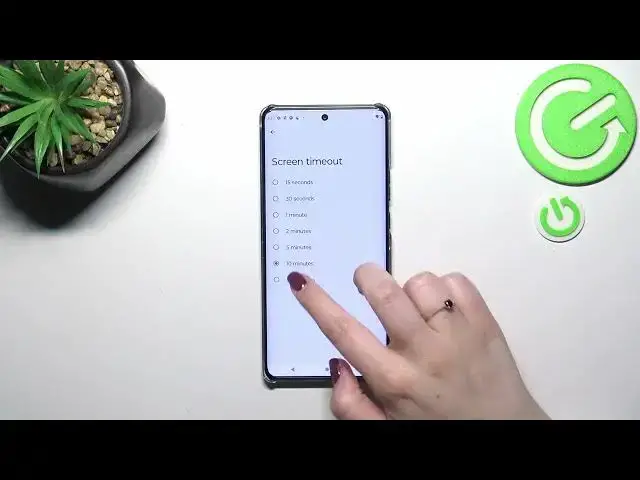

How to Pick Different Sleep Time of Motorola Moto X40 – Access Screen Timeout Settings
Jul 30, 2024

Wanna know more about Motorola Moto X40? Click Here! https://www.hardreset.info/devices/motorola/motorola-moto-x40/tutorials/
Look up, if your screen is going dark too fast, or quite the opposite, not fast enough, then follow the video above! In it, our expert will explain how to access Screen Timeout in proper device settings. This way, with one tap you’ll set up any option from the range of available ones, starting at 15 seconds and ending at 30 minutes. So, just stick around, and let’s begin!
How to Change Screen Timeout in Motorola Moto X40? How to Pick Different Sleep Times of Motorola Moto X40? How to Access Screen Timeout Settings in Motorola Moto X40? How to Choose Screen Timeout in Motorola Moto X40?
#MotorolaMotoX40 #SleepTime #ScreenTimeout
Follow us on Instagram ► https://www.instagram.com/hardreset.info
Like us on Facebook ► https://www.facebook.com/hardresetinfo/
Tweet us on Twitter ► https://twitter.com/HardResetI
Support us on TikTok ►https://tiktok.com/@hardreset.info
Use Reset Guides for many popular Apps ► https://www.hardreset.info/apps/apps/
Show More Show Less #Computer Hardware
#Electronics & Electrical
#Software
#Science