0:00
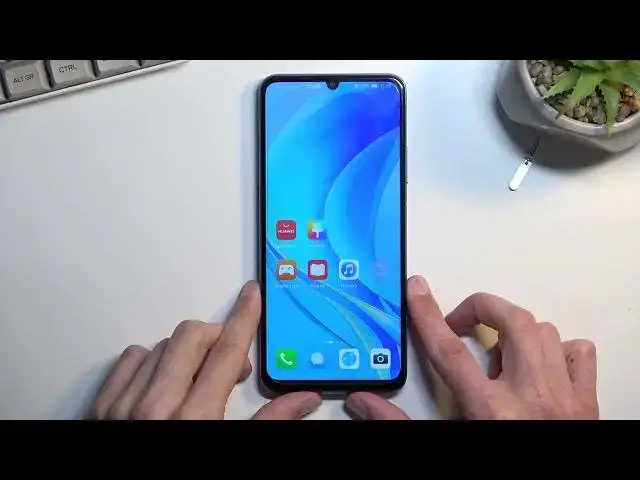
Welcome. In front of me is a Huawei Nova Y70 and today I'll show you how you can
0:06
insert SIM and SD card into this phone. So to get started you will need to grab a SIM eject tool. I have one right over
0:17
here. And you can use that which comes provided with the device somewhere in
0:22
the box between paperwork or you can use a paperclip straight on one of the ends
0:26
and it should work just as well. So once you have one of them, you're gonna pop out
0:31
the tray which is located on the left side, upper side of the phone
0:38
When you push the pin in, the tray comes out just ever so slightly enough for you
0:45
to grab it and take it, like pull it out. Now on the tray you have space for a SIM
0:51
card and SD card, so one of each. Or you can use two different SIM cards but you
0:56
won't have space for SD card in this way. So if you're planning to use dual SIM, you
1:01
would place one of the SIM cards on the SD tray just sideways. But because I'm
1:08
using one of each I'm gonna move it over and put my SD card in its place. So there
1:14
we go. From here insert it back into your phone. Now you might want to be
1:21
careful about it, there's nothing holding these cards in place so they could come out if you, I don't know, do a tool, bang it up or something like that. So just keep that in
1:32
mind. Now once the cards are inserted it hopefully won't change the language
1:38
Never mind, it did because Huawei is an absolute effing idiotic design there
1:44
So anyway I'm just gonna quickly confirm my PIN because it doesn't really require
1:49
knowledge of the language that I just switched to. But as you can see the system..
1:54
I am Silja, your intelligent assistant. Can I help you check the weather
2:01
I don't want to... just... there we go. Now by inserting a SIM card, number one it
2:10
changed the language of the device without any kind of question or
2:14
permission and obviously you got then blasted by Silja or whatever it was
2:19
called in the language that it changed it to. Now it is changing the language
2:23
based on the SIM card if I am correct because the SIM card is from Poland, it
2:27
changed it to Polish. But if you already went through the setup I'm not exactly
2:32
sure why it changed it. So to revert back to your original language, assuming I..
2:39
there are most likely people that have this where they live maybe in a country
2:43
that they don't speak that language of. So yeah you right now got completely
2:48
bamboozled by this and your phone is in a language that you most likely don't understand. So for everybody who just got completely screwed I'm gonna quickly
2:56
show you how we can revert back. So pull down your tray from the right side
3:02
on this side you'll find the settings icon. From here you want to scroll down
3:07
to system and update which is the second last option with the blue gear icon
3:12
right here. And from here you want to select the third option right here. So
3:23
it's gonna be the... I was gonna say the one with two words but first three
3:28
options all have two words. So anyway just select the third option and then
3:34
the first one. And in here I'm gonna tap on the blue text which is add language
3:40
Below the first one which has a checkmark that is the actual language that is right now. So let's select add language and then we just get to look
3:48
for our desired language. So English. You'll get this pop-out and it's asking
3:54
us if you want to change the language. So select change by pressing on
4:00
the right side. Yay there we go we got our language back. We didn't need to change it
4:09
There we go. So with that being said this was how you could insert SIM and SD
4:17
card and it kind of turned into fixing your language because Huawei. So anyway
4:24
if you found this video helpful don't forget to hit like, subscribe and thanks