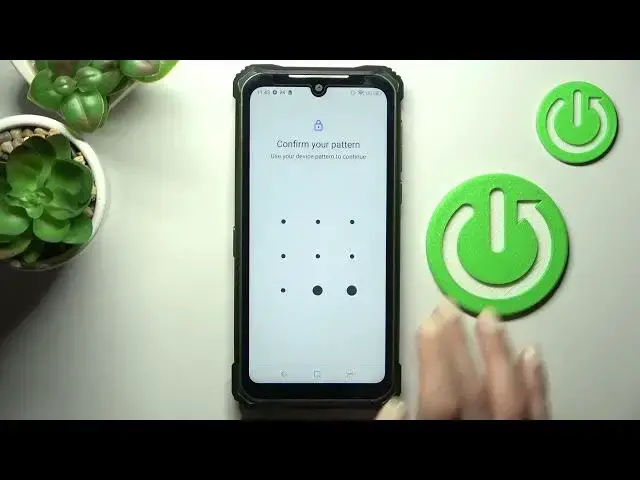

How to Clear Credentials in DOOGEE S86 Pro – Delete Licenses & Certificates
Jun 30, 2024

Learn more about DOOGEE S86 Pro
https://www.hardreset.info/devices/doogee/doogee-s86-pro/
Hey! To learn how to clear your credentials on DOOGEE S86 Pro, check out this tutorial. We'll start by showing you where to find Security Settings. Next, we'll show you how to enter your encryption and credentials. After that, we'll show you how to remove everything. This process can't be reversed. Check out our YouTube channel to learn more about your DOOGEE S86 Pro.
How to clear credentials in DOOGEE S86 Pro? How to delete all licenses in DOOGEE S86 Pro? How to reset credentials in DOOGEE S86 Pro? How to remove all certificates from DOOGEE S86 Pro? How to erase all credentials from DOOGEE S86 Pro? How to remove all licenses from DOOGEE S86 Pro credentials?
#Credentials #DeleteLicenses #DOOGEES86Pro
Follow us on Instagram ► https://www.instagram.com/hardreset.info
Like us on Facebook ► https://www.facebook.com/hardresetinfo/
Tweet us on Twitter ► https://twitter.com/HardResetI
Support us on TikTok ► https://www.tiktok.com/@hardreset.info
Use Reset Guides for many popular Apps ► https://www.hardreset.info/apps/apps/
Show More Show Less