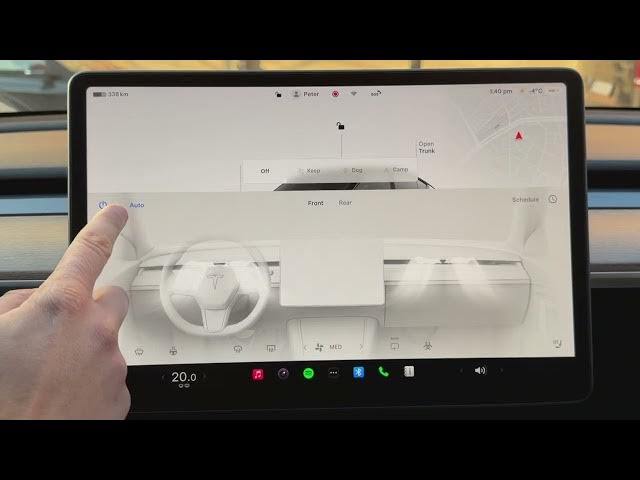

How to Reduce Fan Noise During Calls in TESLA
Jan 21, 2026

Learn how to reduce fan noise during phone calls in your TESLA Model Y. In this short, clear walkthrough we show where to find the Reduce Fan During Calls option, how to enable it in Bluetooth settings, and why your climate control must be set to Auto for the feature to work. This setting lowers fan/AC noise while you are on a call and automatically restores the previous climate settings when the call ends. Follow these simple steps to make phone conversations in your Tesla clearer and quieter.
How to reduce fan noise during calls on TESLA Model Y?
How to enable Reduce Fan During Calls on TESLA Model Y Bluetooth settings?
How to make Tesla fan quieter during phone calls?
0:00 Intro - what the feature does
0:06 Open the car icon and scroll to settings
0:19 Go to Bluetooth settings
0:25 Enable "Reduce Fan During Calls"
0:44 Make sure climate is set to Auto (manual AC won't work)
1:00 Quick wrap up and tips
#Tesla #ModelY #ReduceFanNoise #TeslaTips
Find out more:
https://www.hardreset.info/devices/car/car-tesla/
Follow us on Instagram ► https://www.instagram.com/hardreset.info
Like us on Facebook ► https://www.facebook.com/hardresetinfo/
Show More Show Less #Autos & Vehicles
#Motor Vehicles (By Type)