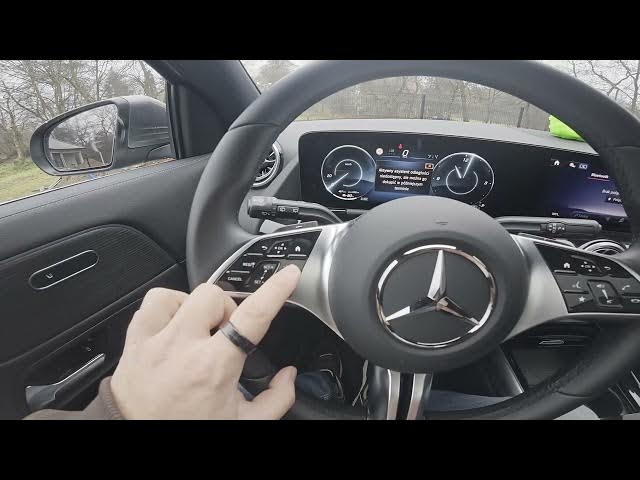

MERCEDES-BENZ EQA – How to Manage Steering Wheel Buttons
Jan 16, 2026

In this short video we show how to manage the steering wheel buttons on the MERCEDES-BENZ EQA. You will learn what each button does and where to find it: navigate the instrument cluster from the left panel, enable and adjust the speed limiter and Distance Assistant, and use the right panel to control the main screen, activate voice control, set a favorite function, change volume, and answer or end calls. Clear, simple demonstrations help you use EQA steering wheel controls safely and confidently while driving.
How to manage steering wheel buttons on MERCEDES-BENZ EQA?
How to enable the speed limiter on MERCEDES-BENZ EQA?
How to use voice control and answer calls from MERCEDES-BENZ EQA steering wheel?
0:00 Intro — What we'll cover
0:07 Left side controls — Instrument cluster navigation
0:30 Speed limiter & Distance Assistant — enable and adjust
0:49 Right side controls — Screen navigation, voice, favorites, volume, calls
1:03 Wrap up — Tips and subscribe
#MercedesBenz #EQA #SteeringWheelButtons #CarTips
Find out more:
https://www.hardreset.info/devices/mercedes-benz/mercedes-benz-eqa/how-to-manage-steering-wheel-buttons/
Follow us on Instagram ► https://www.instagram.com/hardreset.info
Like us on Facebook ► https://www.facebook.com/hardresetinfo/
Tweet us on Twitter ► https://twitter.com/HardResetI
Show More Show Less #Autos & Vehicles
#Mercedes-Benz