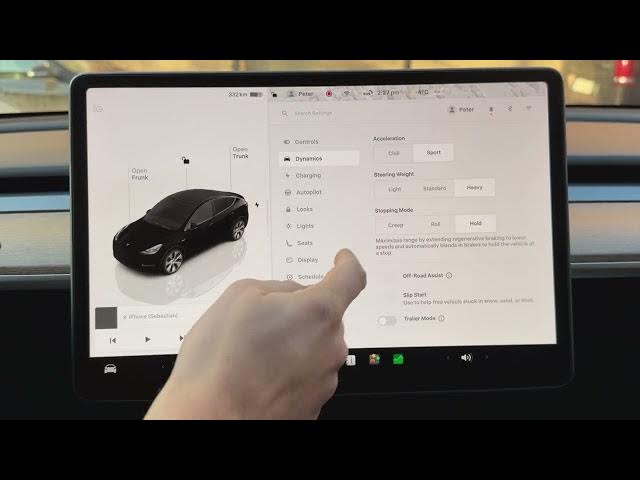

How to Maximize Your Range Using Stopping Mode
Jan 21, 2026

Learn how to maximize your Tesla's driving range by using Stopping Mode (Hold). In this short video we show where to find Stopping Mode in the car menu, how to enable the Hold option to extend regenerative braking, and why one-pedal driving helps put energy back into the battery every time you slow down. This simple change can improve efficiency and increase real-world range during city and mixed driving.
How to enable Stopping Mode on Tesla to maximize range?
How to use Stopping Mode on Tesla (Hold) for better regenerative braking?
How to choose Hold stopping mode on Tesla and get one-pedal driving?
0:00 Introduction
0:07 Open the Car menu and go to Dynamics/Driving
0:20 Locate Stopping Mode setting
0:30 Choose "Hold" to extend regenerative braking
0:39 Why Hold increases range and one-pedal driving benefits
0:49 Conclusion and quick tip
#Tesla #StoppingMode #RegenerativeBraking #MaximizeRange
Find out more:
https://www.hardreset.info/devices/car/car-tesla/
Follow us on Instagram ► https://www.instagram.com/hardreset.info
Like us on Facebook ► https://www.facebook.com/hardresetinfo/
Show More Show Less