
TESLA Model Y – How to Exclude Work from Sentry Mode
Jan 19, 2026

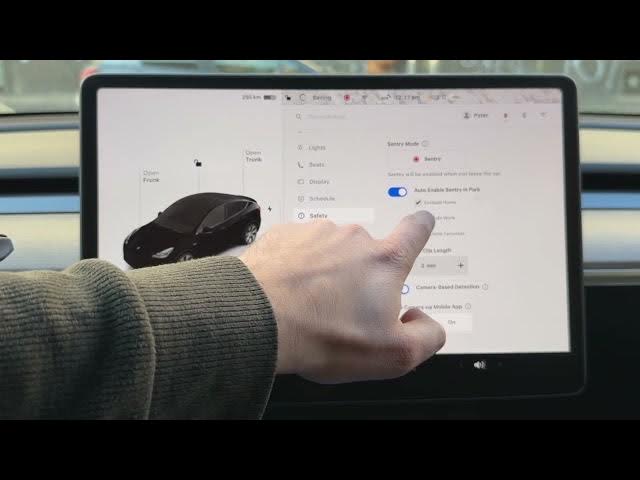
In this short video we show how to exclude your Work location from Sentry Mode on a TESLA Model Y. You will learn how to open the Car settings, go to Safety, find Sentry Mode options, and exclude Home, Work or Favorites. Excluding Work can save battery when you park at a trusted workplace and prevents Sentry Mode from running unnecessarily. Follow these quick on-screen steps to make sure Sentry Mode only runs where you need it and avoid constant battery drain while parked at work.
How to exclude Work from Sentry Mode on TESLA Model Y?
How to turn off Sentry Mode at work on TESLA Model Y?
Where are the Sentry Mode settings on TESLA Model Y?
0:00 Intro - What we will do
0:07 Open Settings using the Car icon
0:19 Go to Safety and open Sentry Mode settings
0:29 See exclusions: Home, Work, Favorites
0:43 Select and exclude Work location
0:53 Final check and outro
#Tesla #ModelY #SentryMode #TeslaTips
Find out more:
https://www.hardreset.info/devices/car/car-tesla/
Follow us on Instagram ► https://www.instagram.com/hardreset.info
Like us on Facebook ► https://www.facebook.com/hardresetinfo/
Show More Show Less