
TESLA – How to Change Voice Navigation Language
Jan 23, 2026

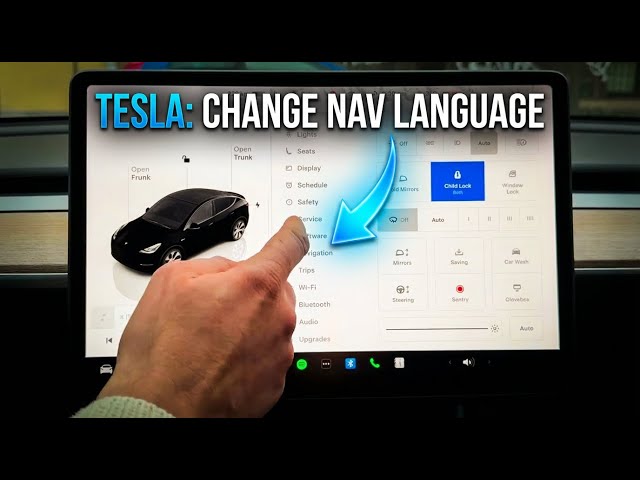
In this video I show you how to change the Voice Navigation Language on a Tesla. You will learn how to open the car settings (tap the car icon bottom-left), go to Display, scroll to Voice Navigation Language and choose a spoken voice. The list includes options like Czech, British English, Danish, German, Spanish, French, Italian, Dutch, Norwegian, Polish, Portuguese, Swedish, Turkish and more. This quick guide helps you switch the navigation voice without changing other system settings so your directions speak in the language you prefer.
How to change Voice Navigation Language on TESLA?
How to set Tesla voice navigation language in display settings?
How to switch navigation speech language on Tesla vehicles?
0:00 Introduction
0:06 Open car settings (tap car icon)
0:15 Go to Display settings
0:24 Find Voice Navigation Language
0:33 Select language and example (Spanish voice)
0:51 Finish and test navigation voice
#Tesla #TeslaNavigation #VoiceNavigation #TeslaTips
Find out more:
https://www.hardreset.info/devices/car/car-tesla/
Follow us on Instagram ► https://www.instagram.com/hardreset.info
Like us on Facebook ► https://www.facebook.com/hardresetinfo/
Show More Show Less #Autos & Vehicles
#Science