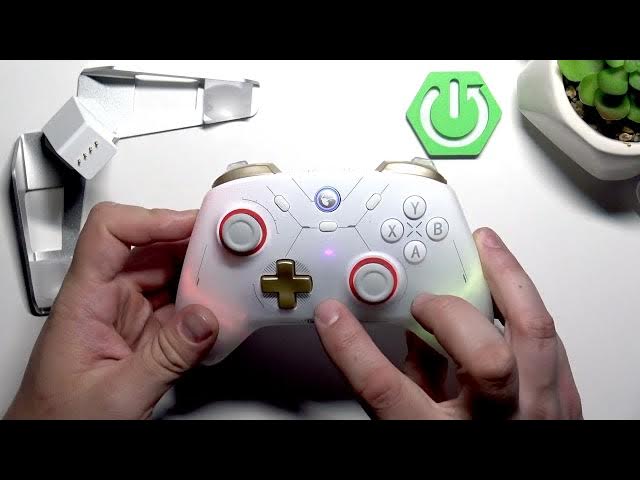

GameSir Cyclone 2 – How to Reset Custom Mapping from L4/R4
May 28, 2026

In this short video you'll learn how to reset custom mapping for the L4 and R4 buttons on the GameSir Cyclone 2 controller. If you accidentally remapped L4/R4 or want to restore the default button behavior, this quick method clears custom assignments in seconds. We show the exact button combination (the M button plus L4 and R4) and the timing so you can fix mapping problems without apps or software. This works on the GameSir Cyclone 2 hardware directly and is perfect for gaming sessions when your macros or custom maps cause issues.
How to reset custom mapping on GameSir Cyclone 2?
How to reset L4 and R4 mapping on GameSir Cyclone 2?
Where is the M button on GameSir Cyclone 2 and how do I use it to reset mapping?
0:00 Intro – what we’ll reset and why
0:05 Locate the M button and the L4/R4 buttons
0:10 Press and hold M + L4 and R4 together
0:18 Release and press the button again to confirm reset
0:25 Confirmation and quick test + outro
#GameSir #GameSirCyclone2 #ControllerTips #ResetMapping
Find out more:
https://www.hardreset.info/devices/gamesir/gamesir-cyclone-2/
Follow us on Instagram ► https://www.instagram.com/hardreset.info
Like us on Facebook ► https://www.facebook.com/hardresetinfo/
Tweet us on Twitter ► https://twitter.com/HardResetI
Show More Show Less #Science