
Volvo S60 II (2010-2019) - How to Enable Route Learning
Jan 6, 2026

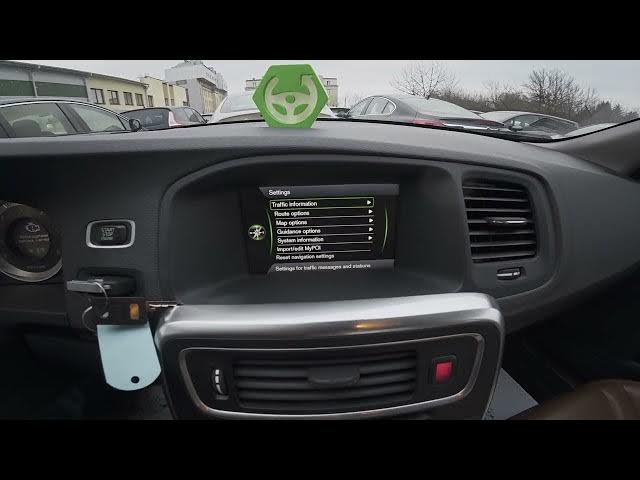
Learn how to enable and disable Route Learning on a Volvo S60 II (2010-2019). In this short video you will see the exact steps inside the car’s navigation system: open the screen display, go to Navigation → Menu, enter Settings, find Route Options and toggle Route Learning on or off. The clip also shows how to reset recorded driving data if you want to clear previously learned routes. This method uses the stock Volvo navigation menus found on most S60 II models (2010–2019) and is ideal for drivers who want improved route suggestions or to clear old driving history.
How to enable Route Learning on Volvo S60 II (2010-2019)?
How to reset recorded driving data on Volvo S60 II navigation?
Where is Route Learning in Volvo S60 II navigation menu?
0:00 Introduction
0:05 Open the screen display and go to Navigation
0:15 Enter Menu → Settings
0:20 Select Route Options
0:26 Enable or disable Route Learning
0:30 Reset recorded driving data
0:40 Outro & quick tip
#VolvoS60 #RouteLearning #VolvoNavigation #CarTutorial
Find out more:
https://www.hardreset.info/devices/volvo/volvo-s60-ii-2010-2019/how-to-enable-route-learning/
Follow us on Instagram ► https://www.instagram.com/hardreset.info
Show More Show Less