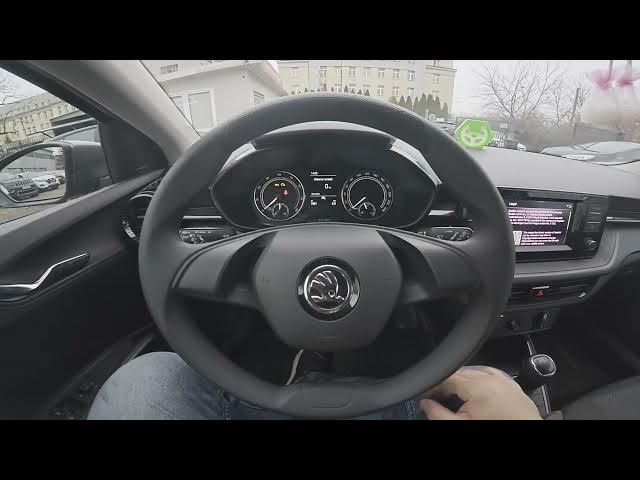

Skoda Fabia IV (2021 - now) – How to Set More Keypad Languages
Jan 16, 2026

Learn how to add extra keypad languages on your Skoda Fabia IV (2021 - now). In this short step-by-step video we show how to open the screen display, go to Menu → Settings, enter "More Keypad Languages" and select "New Languages" for the card so you can type in additional languages from the car keyboard. This quick adjustment helps when entering navigation destinations, messages, or contacts in different languages and improves convenience for multilingual drivers.
How to set more keypad languages on Skoda Fabia IV (2021 - now)?
How to add new keypad language on Skoda Fabia IV (2021 - now)?
How to find More Keypad Languages in Skoda Fabia IV (2021 - now) settings?
0:00 Intro – What we will do
0:07 Open screen display → Menu & Settings
0:17 Enter "More Keypad Languages"
0:21 Select "New Languages" for the card
0:30 Outro – Like, comment and subscribe
#SkodaFabiaIV #KeypadLanguages #CarSettings #Skoda
Find out more:
https://www.hardreset.info/devices/skoda/skoda-fabia-iv-2021-now/
Follow us on Instagram ► https://www.instagram.com/hardreset.info
Like us on Facebook ► https://www.facebook.com/hardresetinfo/
Tweet us on Twitter ► https://twitter.com/HardResetI
Show More Show Less