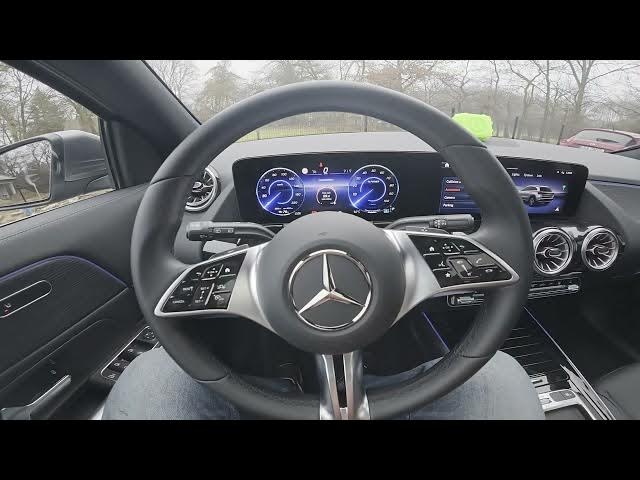

MERCEDES-BENZ EQA – How to Enable Driver Attention Assist
Jan 2, 2026

This video shows how to enable Driver Attention Assist on the MERCEDES-BENZ EQA. We walk you through the exact menu steps on the EQA infotainment screen so you can turn the driver attention alert on or off and adjust the warning sensitivity. Driver Attention Assist helps detect drowsiness or inattention and notifies the driver. Follow these simple steps to find the setting in Home → Settings → Assistance, toggle the Driver Attention Assist switch, and choose the warning threshold between Sensitive and Standard. Perfect for new EQA owners who want to improve in-car safety and customize alert behavior.
How to enable Driver Attention Assist on MERCEDES-BENZ EQA?
How to change Driver Attention Assist sensitivity on MERCEDES-BENZ EQA?
How to disable Driver Attention Assist on MERCEDES-BENZ EQA?
0:00 Intro
0:03 Quick look at the EQA display
0:07 Go to Home → Settings → Assistance
0:14 Toggle Driver Attention Assist On/Off
0:20 Change warning threshold: Sensitive / Standard
0:28 Wrap up & subscribe
#MercedesBenz #EQA #DriverAttentionAssist #CarSafety
Find out more:
https://www.hardreset.info/devices/mercedes-benz/mercedes-benz-eqa/how-to-enable-driver-attention-allert/
Follow us on Instagram ► https://www.instagram.com/hardreset.info
Like us on Facebook ► https://www.facebook.com/hardresetinfo/
Show More Show Less