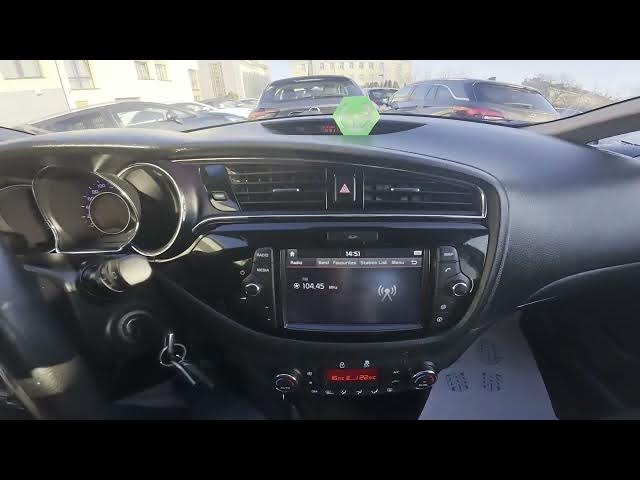

Kia Ceed II Facelift – How to Enable Auto Brightness
Dec 26, 2025

In this short video I show how to enable Auto Brightness on the Kia Ceed II Facelift. You will learn how to open the infotainment Settings, find Display options, switch between Auto and Manual brightness, and use Day/Night presets so the screen adapts to changing light. This makes the display easier to read while driving and reduces glare. The steps are quick and shown directly on the Kia Ceed II Facelift center screen for fast setup.
How to enable Auto Brightness on Kia Ceed II Facelift?
How to change screen brightness on Kia Ceed II Facelift?
How to set Day and Night Auto Brightness presets on Kia Ceed II Facelift?
0:00 Introduction
0:03 Check the screen display
0:06 Open Settings → Display
0:12 Select Auto Brightness or Manual
0:20 Auto Brightness Settings — Day & Night presets
0:30 Outro — Like, Comment, Subscribe
#KiaCeed #AutoBrightness #CarSettings #KiaCeedII
Find out more:
https://www.hardreset.info/devices/kia/kia-ceed-ii-facelifting/
Follow us on Instagram ► https://www.instagram.com/hardreset.info
Like us on Facebook ► https://www.facebook.com/hardresetinfo/
Show More Show Less