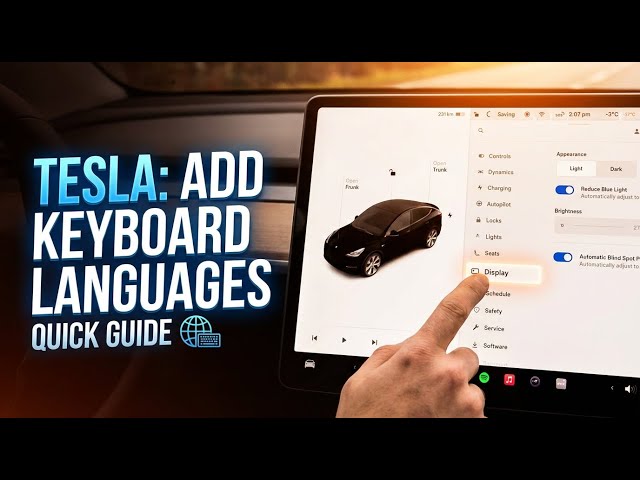

TESLA (All Models) – How to Add Keyboard Languages
Jan 23, 2026

In this video I show how to add and manage keyboard languages on any Tesla using a Tesla Model Y as an example. You’ll learn where to open settings (tap the car icon in the bottom left), how to go to Display → Keyboard Language, and how to enable or disable languages like Arabic, Chinese, Czech, Danish, French, German and Greek. This quick walkthrough works the same on Model S, Model 3, Model X and Model Y and helps you type in multiple languages, switch keyboards and customize the car’s input for navigation and search.
How to add keyboard languages on Tesla Model Y?
How to change keyboard language on every Tesla?
How to enable Chinese keyboard on Tesla Model Y?
0:00 Intro – What we’ll do
0:07 Example shown on Tesla Model Y
0:17 Open settings: Tap the car icon (bottom left)
0:21 Go to Display settings
0:28 Select Keyboard Language
0:35 Available languages list (Arabic, Chinese, Czech, etc.)
0:46 Enable or disable languages
0:50 Wrap up and subscribe
#Tesla #TeslaKeyboard #ModelY #CarTech
Find out more:
https://www.hardreset.info/devices/car/car-tesla/
Show More Show Less #Autos & Vehicles
#Car Electronics